13
PGM-FI Setting
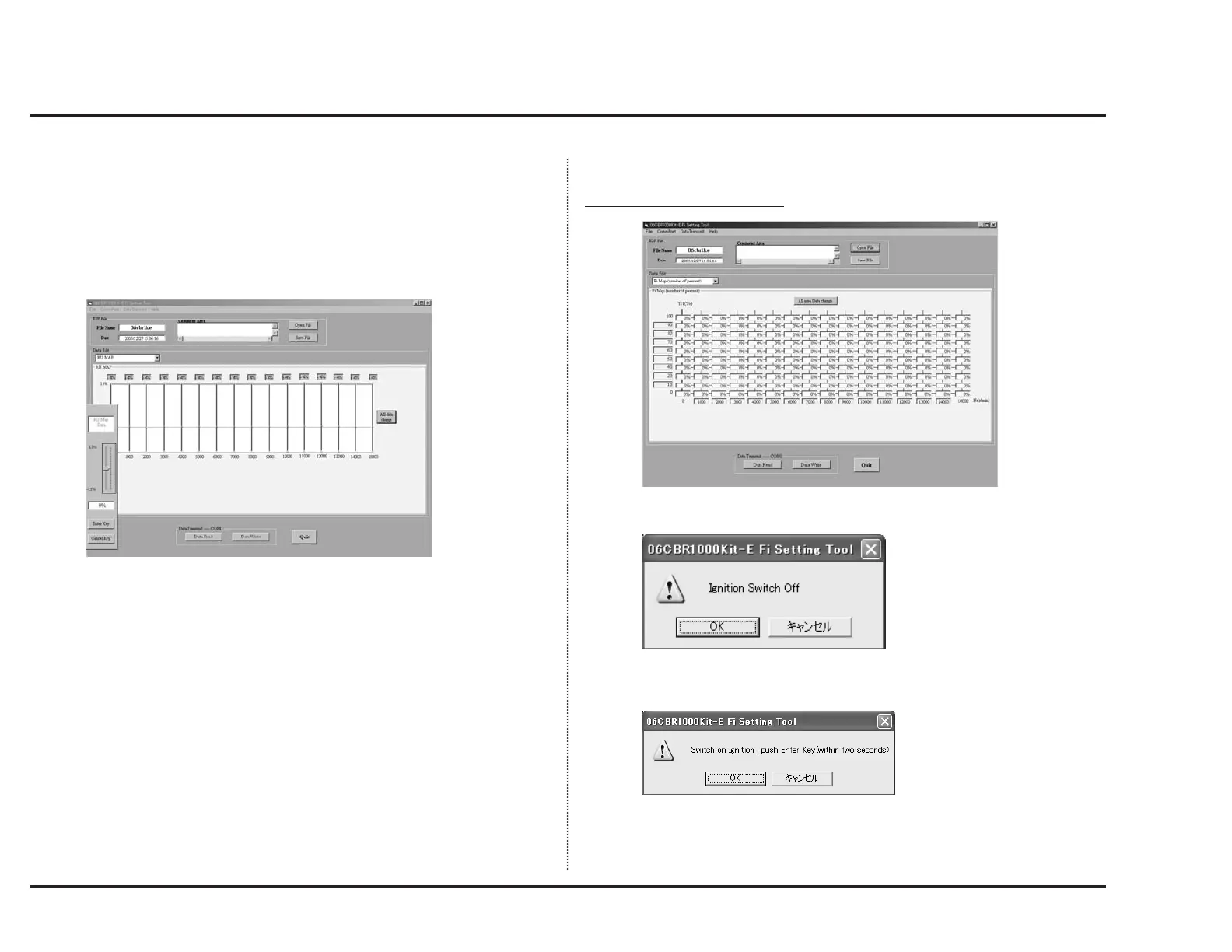
Same with “IGN OFFSET”, fuel distribution percentage can be changed based
on engine speed.
TH position based changing is impossible.
To make change, click correction value display of the engine speed you wish to
adjust. Then, adjustable areas will be selected with their color changed.
Use up/down arrow keys to make change.
You may change values in the range ± 15%.
When you click “All area Data change”, a screen like above will appear
enabling you to offset all values. The change takes effect when you click “Enter
Key.”
Only, be aware that this operation makes all data be the same value.
Transferring Setting Data
T
ransmitting data (PC to ECU)
When you click “Data Write”, the following window will appear.
Turn off the engine stop switch.
When you click “OK”, the following window will appear.



 To Next Page