11
PGM-FI Setting
Adjustable areas will be selected with their color changed color. Use up/down
arrow keys to make change.
Change made here will also take effect in the map display.
3. Changing ignition timing
When you select “IG Map”, a screen like below will appear.
1). How to change the ignition timing (map display)
Ignition timing can be changed as same as air-fuel ratio.
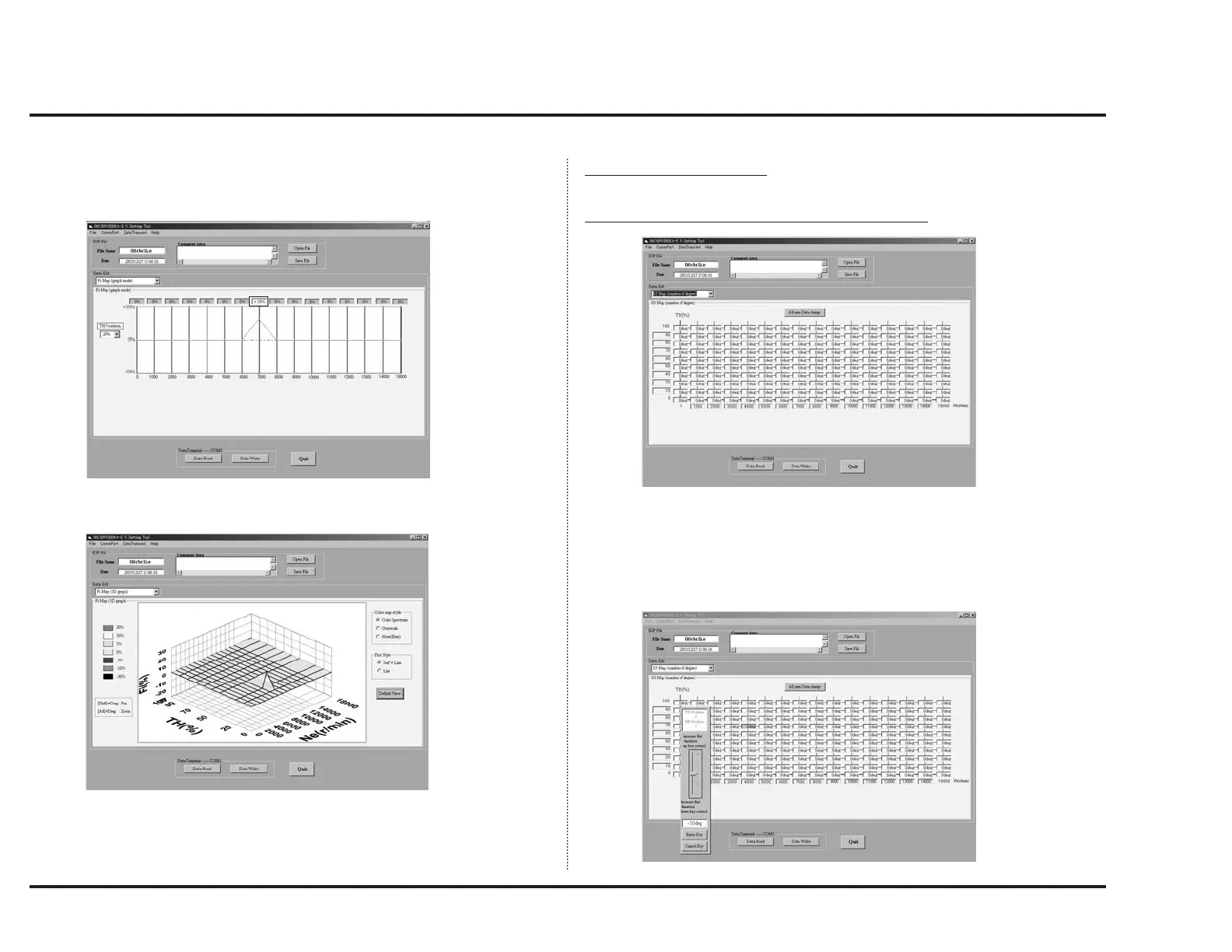
When you select “IG Map (number of percent)”, a screen like below will appear.
In order to change data, click on the point where desired TH position and the
engine speed meets. Then, a scale as shown below will appear.
When you select “Fi Map (3D graph)”, a screen like below will appear.
You can change the graph color and graph size referring to the instruction on
both sides of graph as shown.



 To Next Page