PGM-FI Setting
1
This manual covers the PGM-FI setting procedure by PC communications.
PGM-FI Setting
System requirements and communication attachment
1.System requirements
• IBM AT compatible PC
• OS: Windows 98/Me/2000/XP
• CPU: Pentium 200MHz or higher (recommended)
•Main memory: 32MB or more (recommended)
•Display: 1024 x 768 or higher resolution (recommended)
• CD-ROM: CD-ROM drive is required (The product is provided with a CD-R)
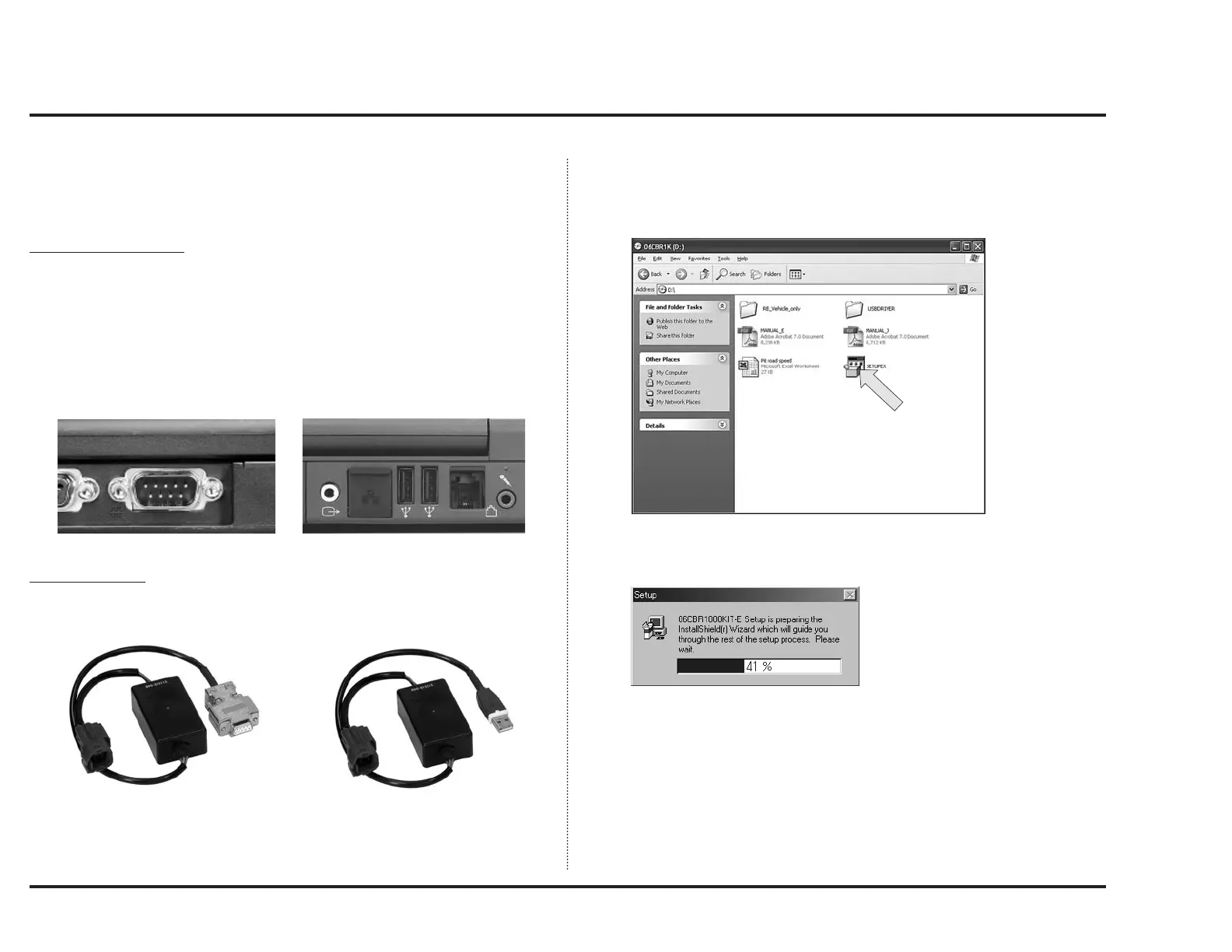
• Serial port: Serial port is required (for communicate with ECU)
If the serial port is not equipped, use USB-RS232C adaptor or
USB type serial I/F unit
2.The attachment
• UNIT, ASSY SERIAL I/F: 38880-NL3-750
• UNIT, ASSY SERIAL I/F (USB): 38880-NL9-C00
Software Install
1. Set software CD-ROM in the CD-ROM drive and click on the CD-ROM icon.
2. When a window like below is displayed, double-click “SETUP.EXE” to install
the application.
3. A window like below will appear and will prepare for setup process.
Use USB driver included in Set-up CD-ROM, or download it from HRC web site
(http://www.honda.co.jp/HRC/).



 To Next Page