NEPTUNE
EN - 25
TMR mode
CAUTION
Check that the circuit being tested is not live and that all possible loads
normally connected to it are disconnected before carrying out insulation
measurement.
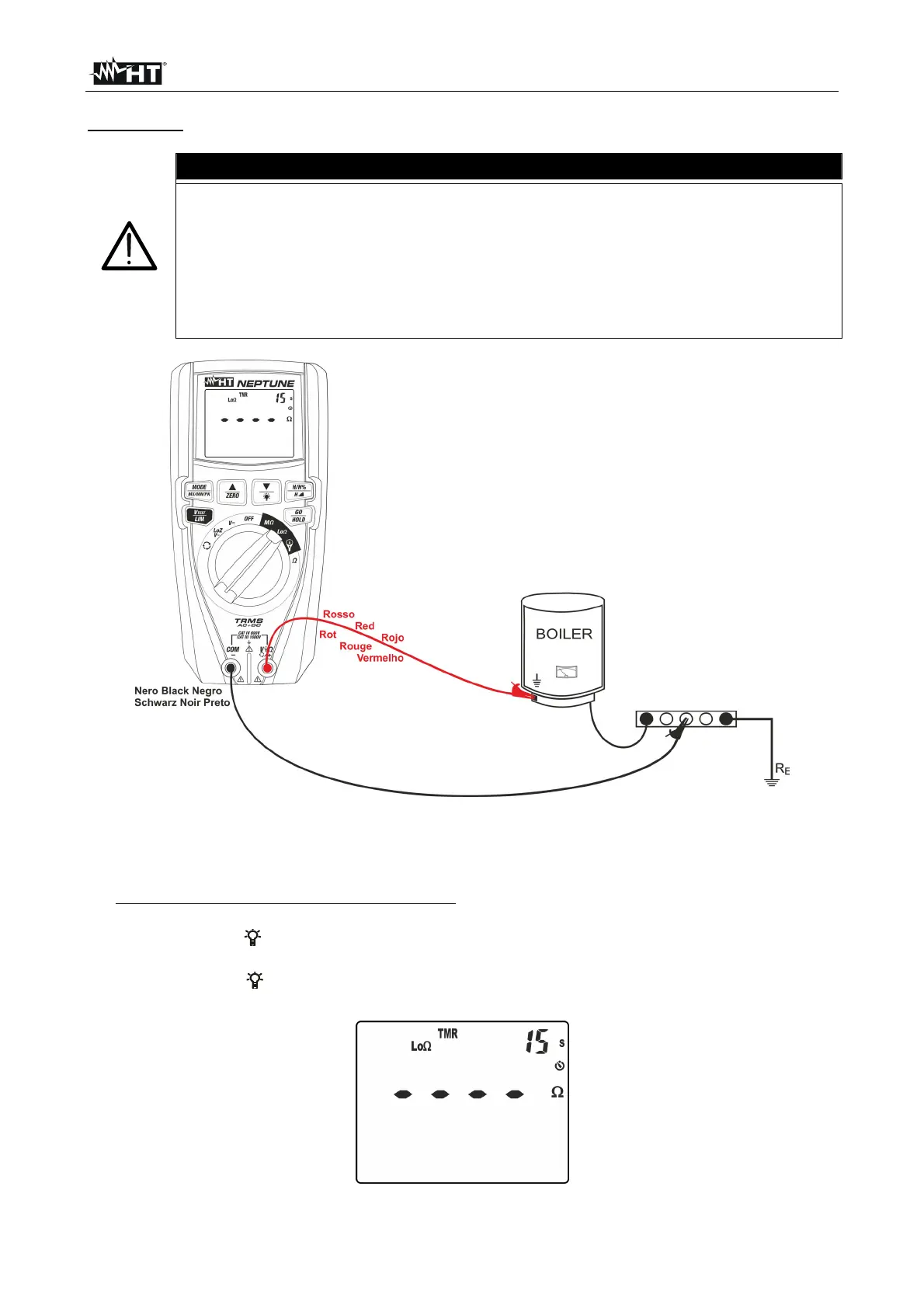
The continuity test is performed by supplying a current higher than 200mA for
resistances not higher than 5
(including the resistance of the measuring
cables). For higher resistance values, the instrument carries out the test with
a current lower than 200mA.
Fig. 29: Use of the instrument for continuity test in TMR mode
1. Select position Lo
2. Press key MODE/MXMNPK and select option “TMR”
3. Press and hold key VTEST/LIM (>2s) to set the maximum limit threshold for
measurement. The symbol “Set” flashes on the display.
4. Press keys / or /ZERO to select the value in the range: 0.05 ÷ 9.99 (see Fig.
26).
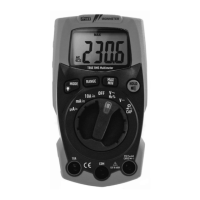
5. Press keys / or /ZERO to select the measuring time (timer) in range: 1s ÷ 30s.
Please note the value in the top part of the display on the right (see Fig. 30).
Fig. 30: Setting the measuring time in TMR mode



 To Next Page