3
(2) Carry out infrared temperature measurement and tempera-
ture analysis;
(3) Take photos and videos;
(4) Action control and parameter setting of the mobile phone
thermal imager.
3. Product Use
3.1 Equipment Connection
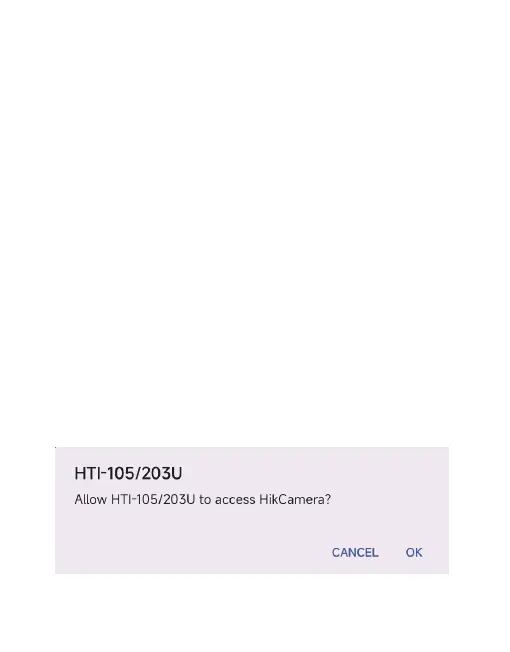
Insert the infrared thermal imager into the USB interface of the
mobile phone. The mobile phone will automatically recognize
the USB device and pop up a prompt. Check the box and click
"OK". The software will start the infrared thermal imager of the
mobile phone, and the mobile phone screen will enter the
infrared observation screen.



 To Next Page