DPU40D-N06A3, DBU20B-N12A3, and
DBU50B-N12A1 Distributed Power System
User Manual
Copyright © Huawei Technologies Co., Ltd.
Figure 5-11 Removing the old PSUs
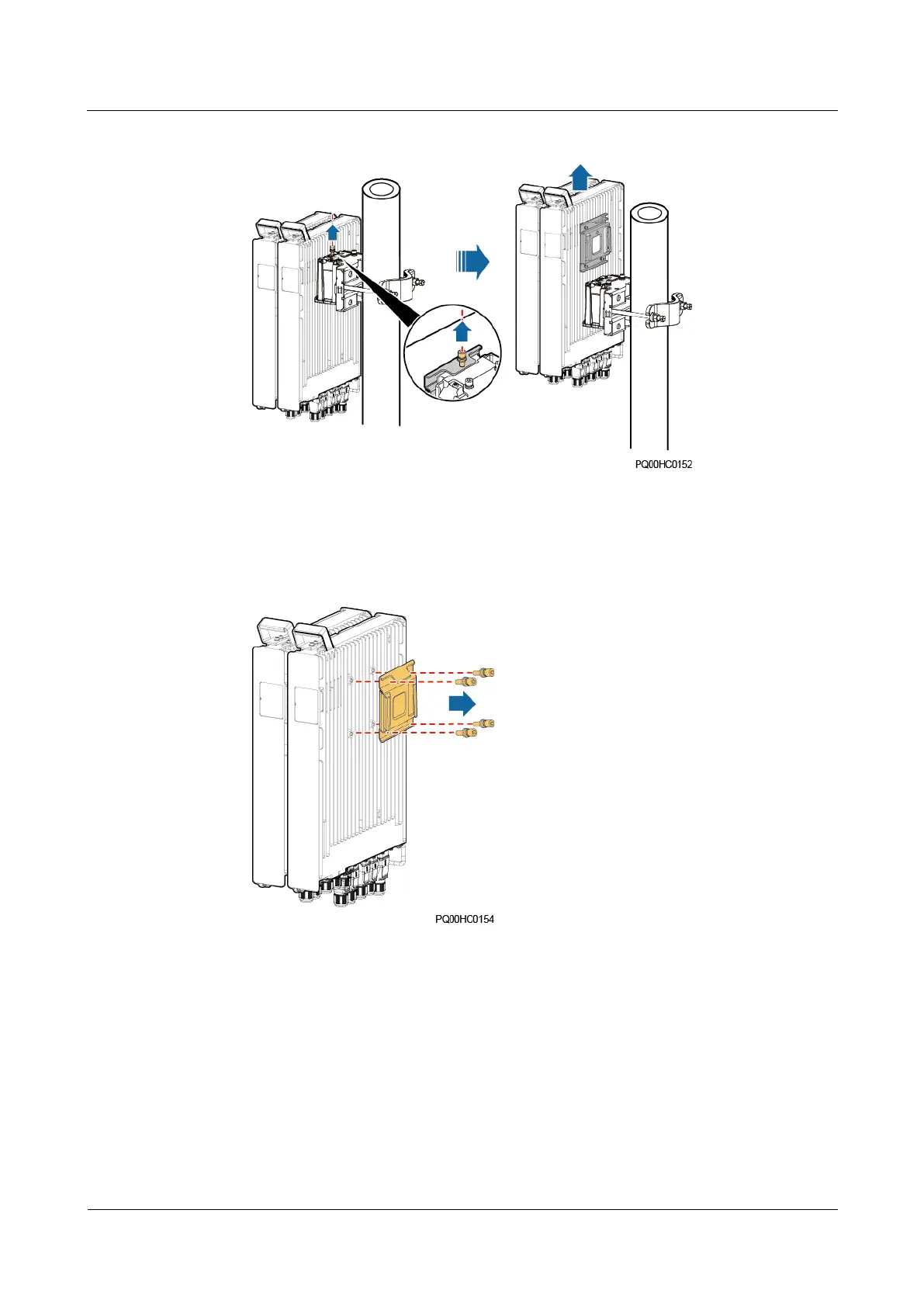
5. Loosen the four screws on the hanging kit on the right side of the PSUs and take off the
hanging kit.
Figure 5-12 Removing the hanging kit
6. Remove the connecting kit.
7. Loosen the four screws that secure the PSUs to the connecting kit, and take off the PSUs.







 To Next Page