DPU40D-N06A3, DBU20B-N12A3, and
DBU50B-N12A1 Distributed Power System
User Manual
Copyright © Huawei Technologies Co., Ltd.
6. Connect the ground cable as well as the cables to the COM, BAT, LOAD, and PWR
ports in sequence based on the recorded information.
7. Use waterproof tape to seal the cable connections.
Step 5 Switch on the upstream input circuit breaker for the PSUs.
Step 6 Take off the protective gloves.
----End
Follow-up Procedure
Pack the removed component and return it to the local Huawei warehouse.
5.3.5 Replacing a PSU (PSU Plus Lithium Battery)
Prerequisites
You have obtained a pair of protective gloves, an inner hex torque screwdriver, a
flat-head screwdriver, a Phillips screwdriver, and waterproof tape.
You have prepared a new PSU.
Procedure
Step 1 Put on the protective gloves.
Step 2 Switch off the upstream input circuit breaker for the PSU.
Step 3 Remove the old PSU.
1. Record the cable connection positions on the PSU.
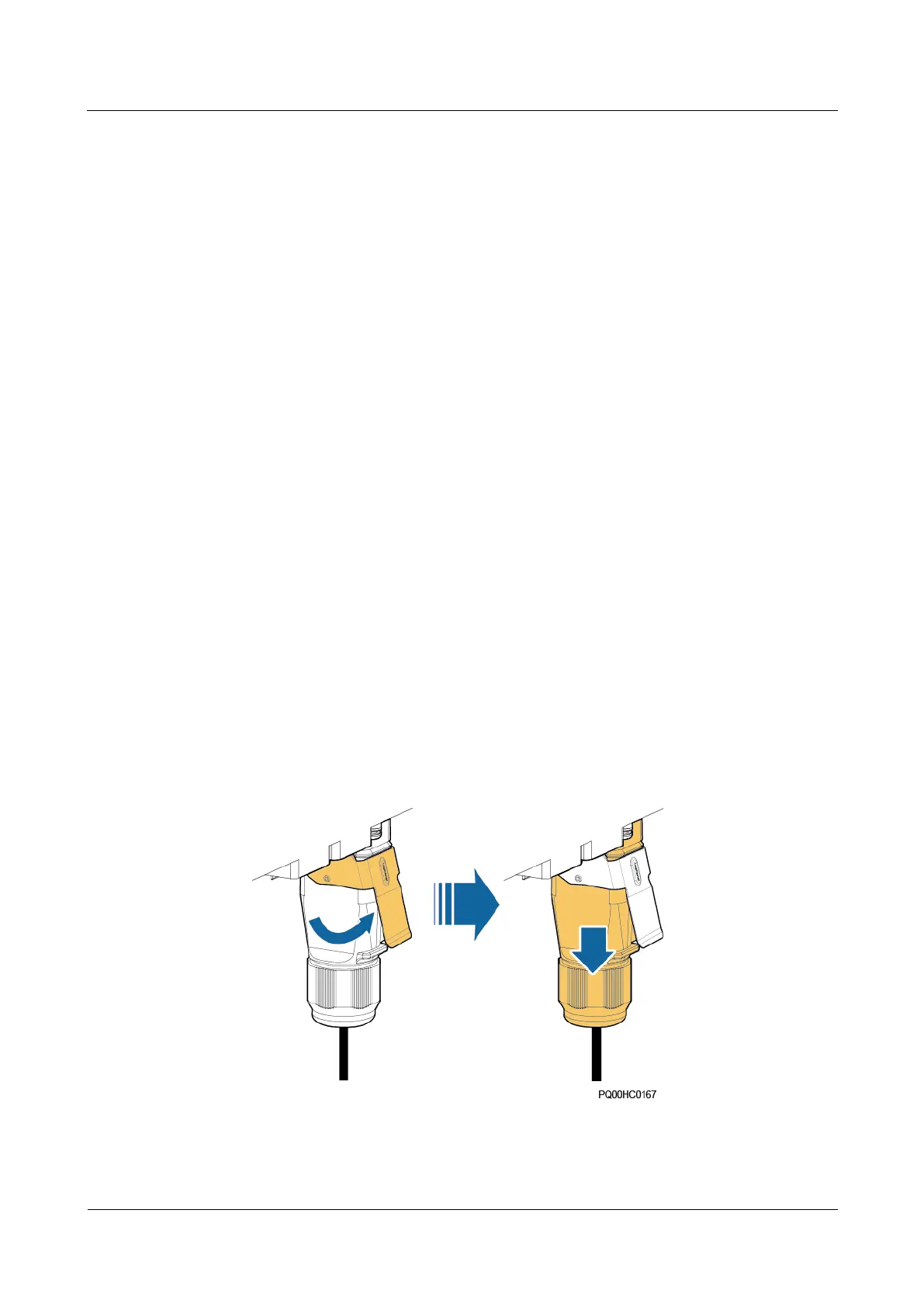
2. Use a flat-head screwdriver to pry the fastener on the quick connector and take off the
connector, as shown in the following figure.
Figure 5-15 Removing a quick connector







 To Next Page