DPU40D-N06A3, DBU20B-N12A3, and
DBU50B-N12A1 Distributed Power System
User Manual
Copyright © Huawei Technologies Co., Ltd.
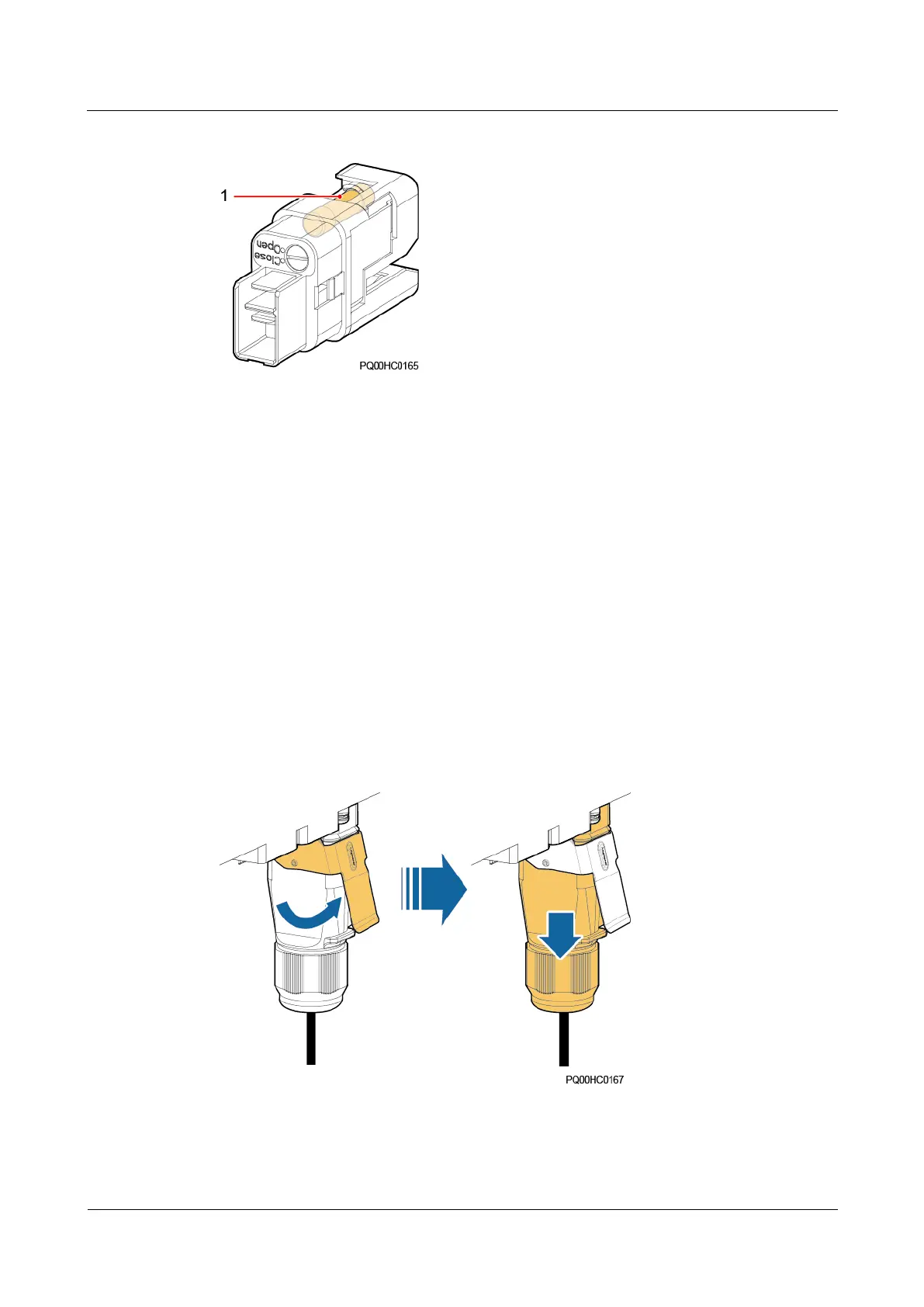
Figure 5-22 DC fuse
If any of the following has occurred, a DC fuse is faulty:
The load has no power input though the PSU works properly.
There are obvious black signs of burning on the fuse.
The multimeter indicates that the resistance between both ends of the fuse is infinite or
the fuse circuit is open.
Procedure
Step 1 Put on the protective gloves.
Step 2 Record the quick connector for a BAT or LOAD port where the fuse should be replaced.
Step 3 Use a flat-head screwdriver to prize up the buckle on the quick connect terminal and remove
the terminal.
Figure 5-23 Removing a quick connector
Step 4 Use an insulated flat-head screwdriver to remove the old fuse, as shown in the following
figure.







 To Next Page