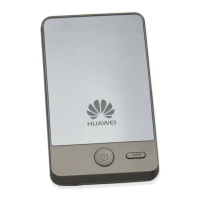
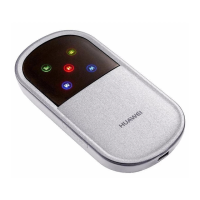
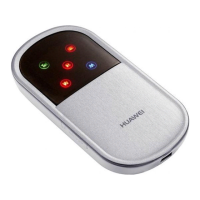
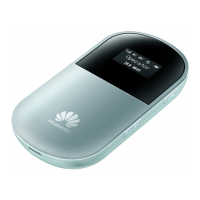
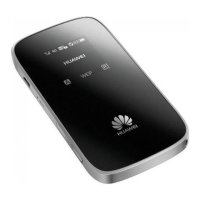
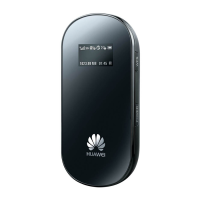
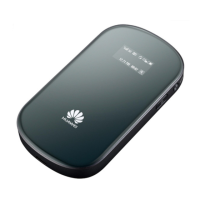
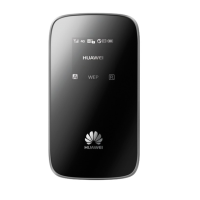
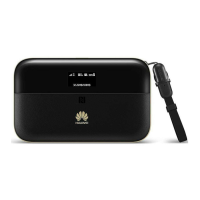
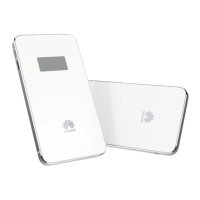
Thank you for choosing the HUAWEI E5836 Mobile
Wi-Fi.
z The supported functions and actual appearance are subject to your product purchased.
The following pictures are provided for illustration only. For details about your product
selection, consult your service provider’s website.
z This guide briefly describes the functions of the E5836. For details about how to set the
management parameters, see the Help section on the web management page.
z If the E5836 is placed in an environment with poor ventilation, it will increase in
temperature after extended use. When the E5836 reaches a certain temperature, it will
switch off or disconnect from the network automatically to protect itself. In this case,
please move the E5836 to a well-ventilated place for heat dissipation and then restart
the E5836.

 Need help?
 General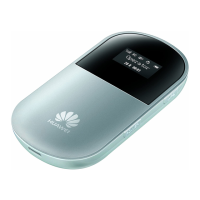

 To Next Page