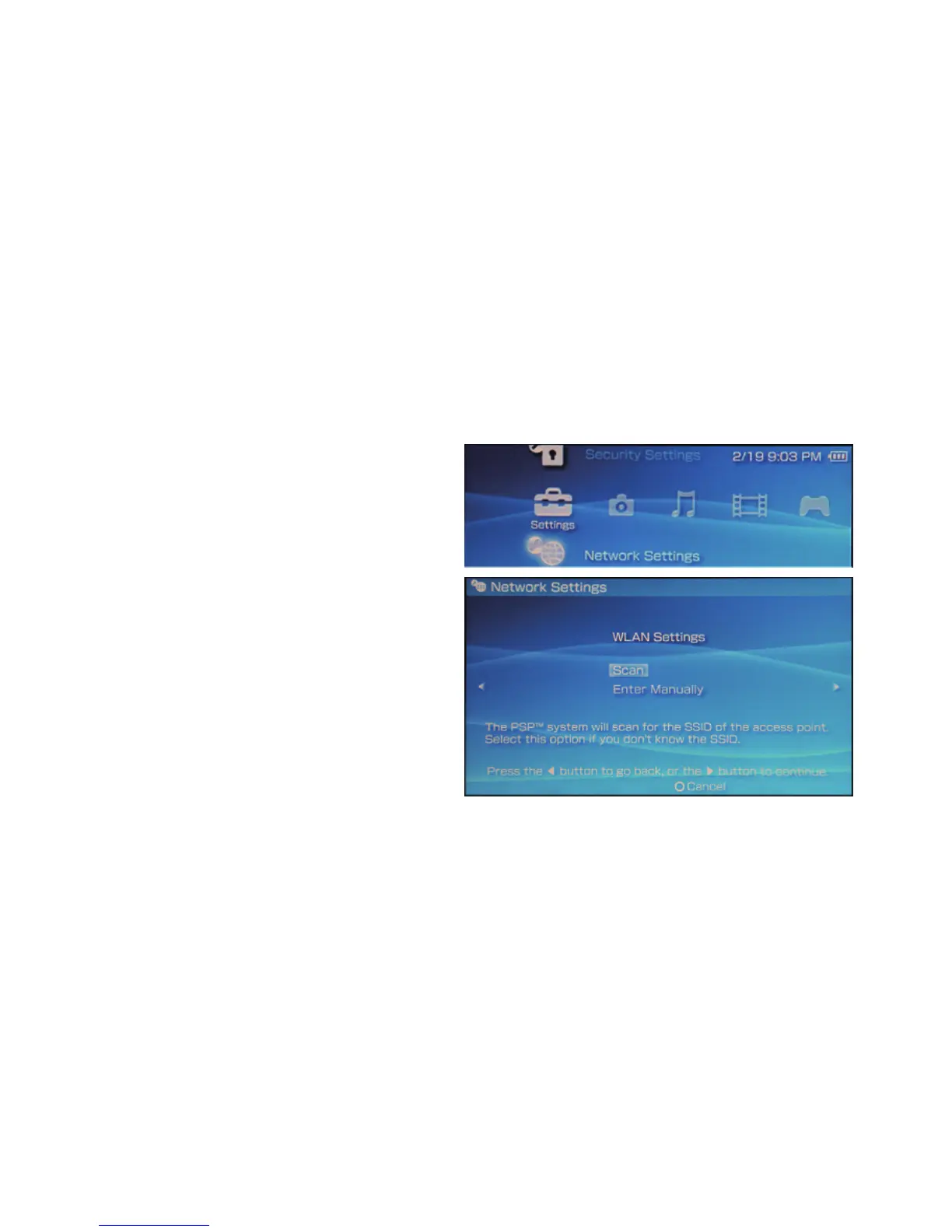
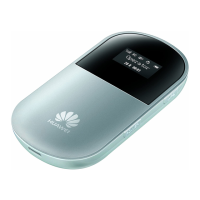
Example: Wi-Fi Connection to Game Machine (PSP)
1. Turn on the PSP WLAN switch.
2. Select Settings > Network Settings.
3. Select Infrastructure Mode to
connect your local Wi-Fi access
point.
4. Select New Connection to specify a
mnemonic connection name (such
as MyE5836).
5. Select Scan to detect networks in
range. Then the access point list is
displayed.
19


 To Next Page