Note:
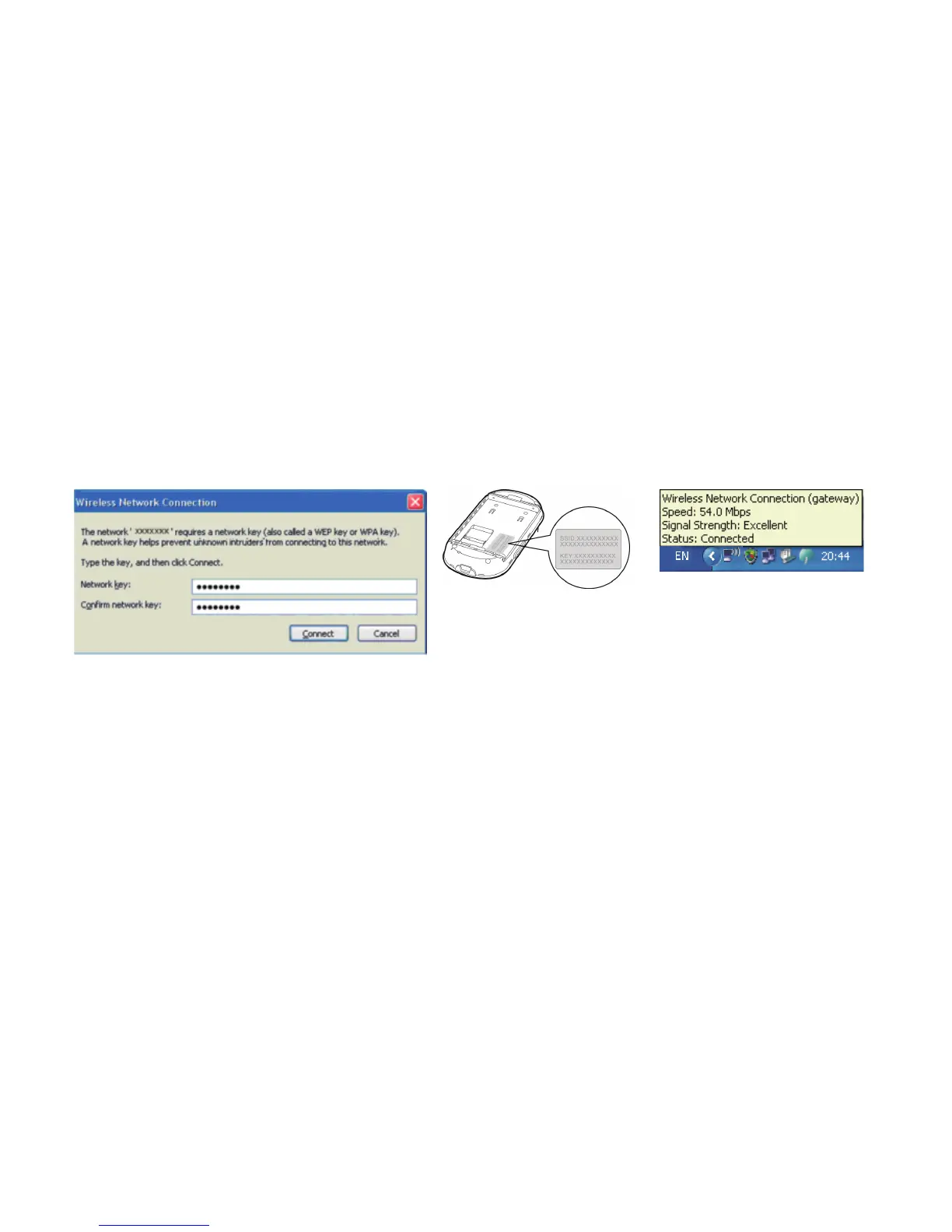
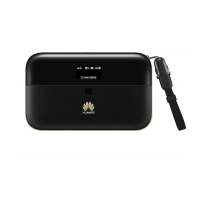
z If the encryption parameter is already set for the E5836, the Wireless Network
Connection dialog box is displayed and requires the network key and confirmation.
z The SSID and key label is attached on the E5836.
Wait until the wireless connection icon is displayed in the status area in the lower right
corner of the screen. Then, you can connect your PC to the E5836.
3. Connect to the Internet
After you establish a Wi-Fi connection successfully, you can connect to the Internet in either
of the following two modes. By default, the mode is Auto.
12


 To Next Page