Mode Operations
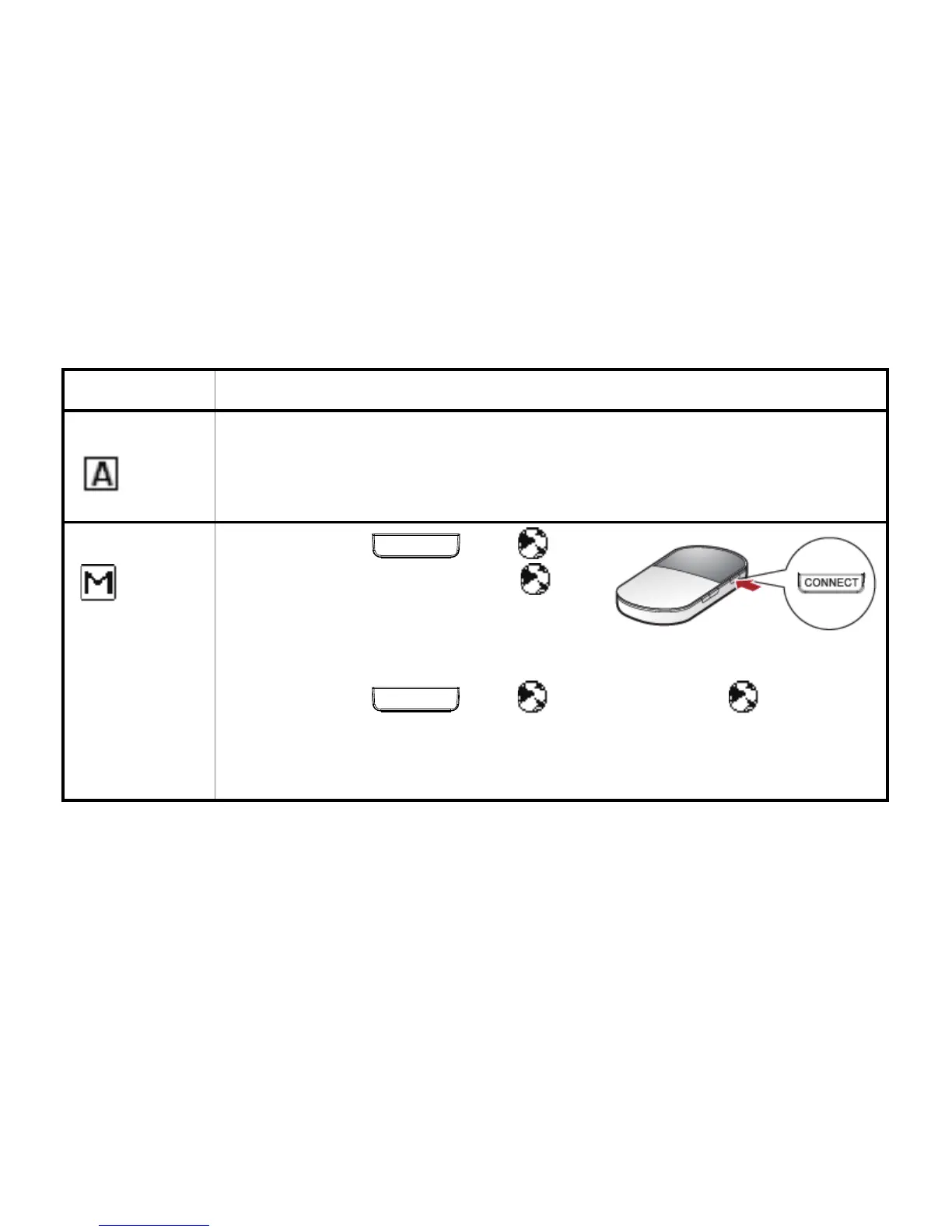
Auto
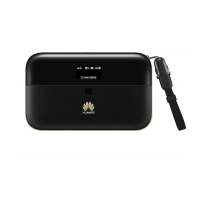
After the E5836 is powered on, it can automatically connect to the
Internet when data transmission is required. If data transmission is not
performed over a period of time, the E5836 automatically disconnects
from the Internet
Manual
Press and hold
CONNECT
until is
displayed on the screen. When
is
displayed on the screen, it indicates
that the connection is set up
successfully. Then you can enjoy the Internet service.
Press and hold
CONNECT
until disappears. When disappears,
it indicates that the connection to the Internet is disconnected.
Note: You can also launch web management page to connect to or
disconnect from the network as prompted.
13


 To Next Page