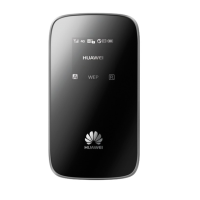
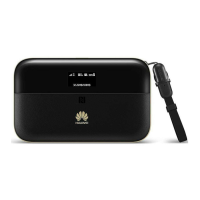
Accessing the Internet through a Wi-Fi Connection
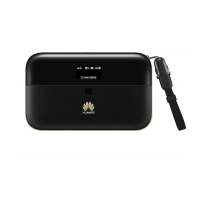
Note: By default, the management parameters are preset on the E5836 according to the
requirements of the service provider. You can follow the steps below to quickly access the
Internet. For details about how to set the management parameters, see the Help section on
the Web management page.
Step1: Power on the E5836.
Step2: Establish a Wi-Fi Connection.
Step3: Connect to the Internet.
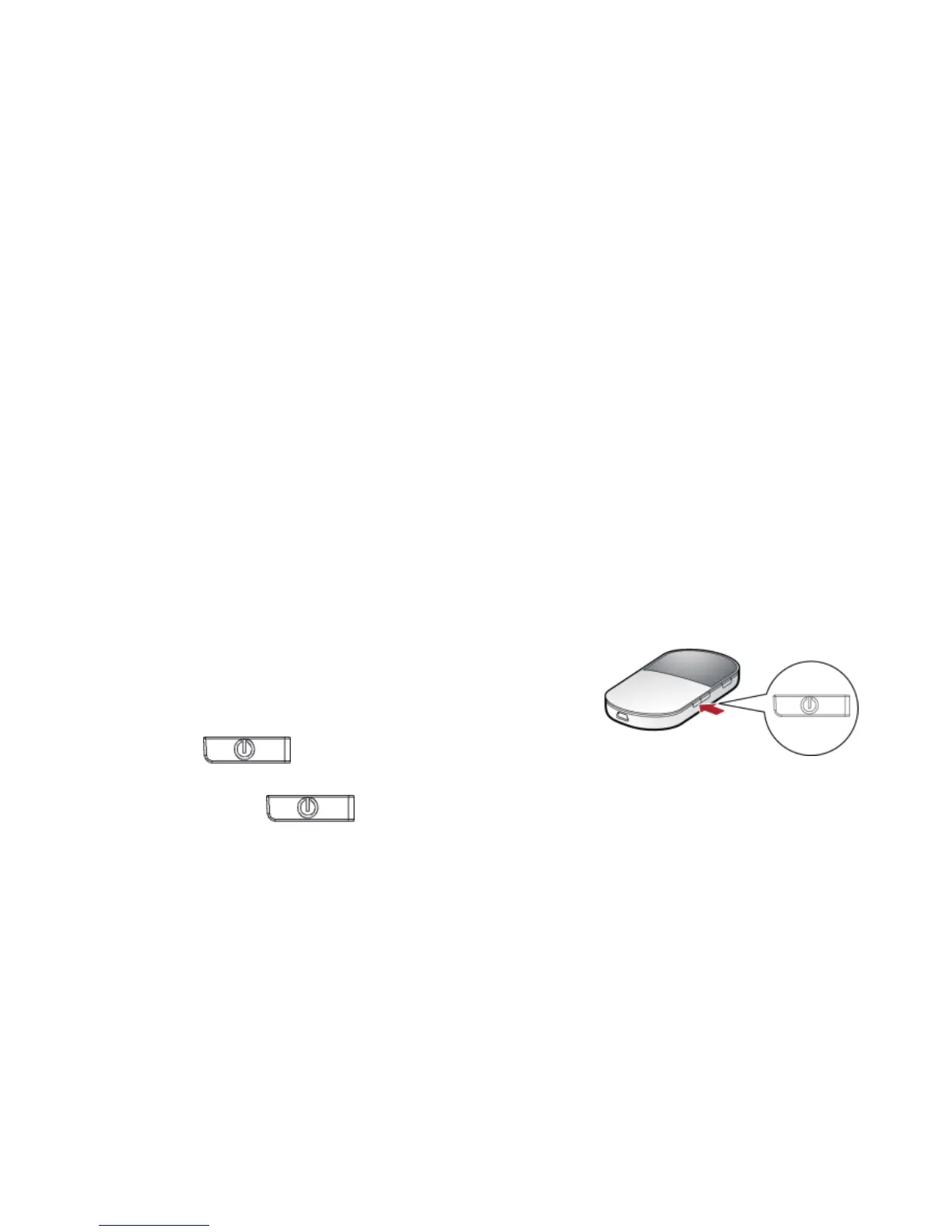
1. Power on the E5836
Press and hold until the screen turns on.
When the screen is` on, it indicates that the E5836 is powered on.
Note: Press and hold
until the screen turns off. When the screen is off, it
indicates that the E5836 is powered off.
10


 To Next Page