2. Establish a Wi-Fi Connection (Taking a PC for Example)
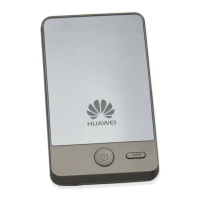
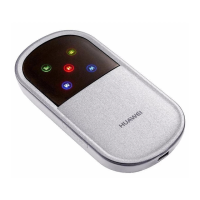
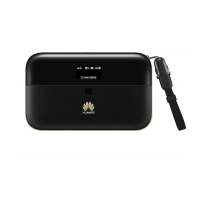
1. Press and hold on your E5836 until
appears on the screen.
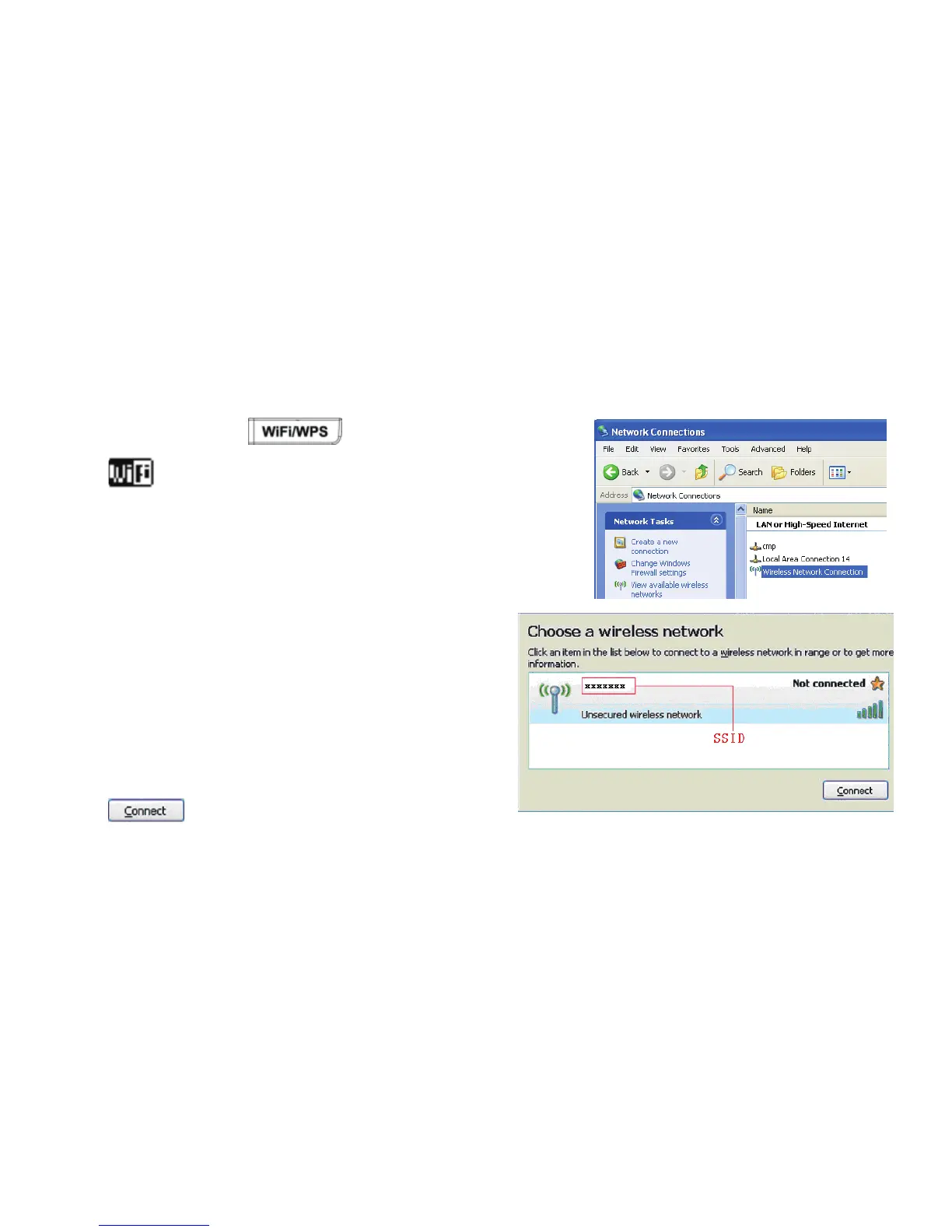
2. On your PC, select Start > Control Panel > Network
Connections > Wireless Network Connection.
Note: To set up a Wi-Fi connection, the PC must be
configured with a wireless network adapter. If Wireless
Network Connection is displayed, the wireless
network adapter is available. Otherwise, you
need to check your wireless network adapter.
3. Click View available Wireless Networks to
display the wireless network list.
4. Select the network whose SSID is the
same as that of the E5836, and then click
.
11


 To Next Page