EasyManua.ls Logo

Huawei eNodeB - Online Help

Huawei eNodeB
20 pages
Print Icon
To Next Page IconTo Next Page
To Previous Page IconTo Previous Page
Loading...
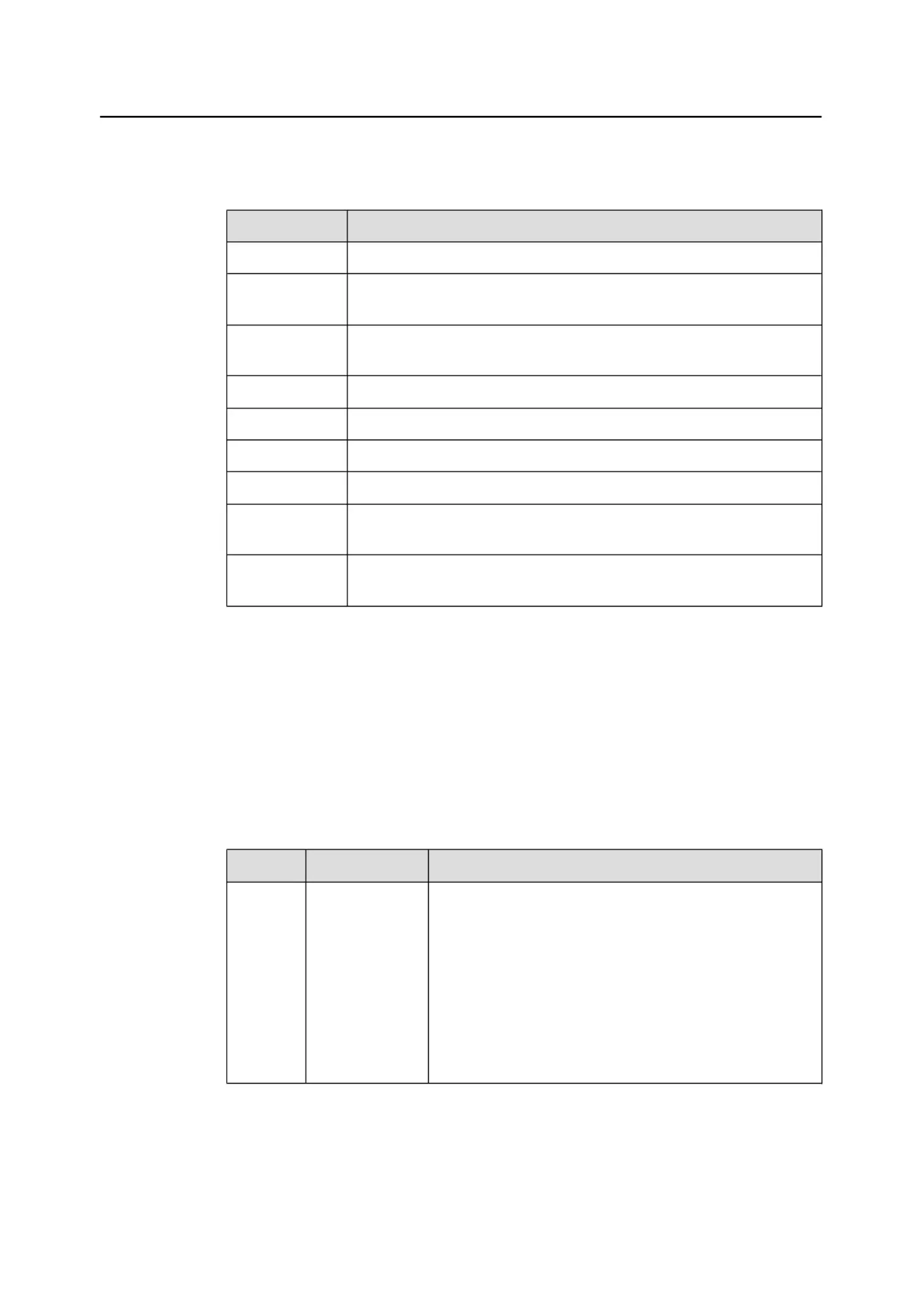
Table 2-3
describes the components of the LMT main window.
Table 2-3
Components of the LMT main window
C
o
m
p
o
n
e
n
t
D
e
s
c
r
i
p
t
i
o
n
Title bar
Displays names and IP addresses of NEs.
MML
Runs MML commands. For details, see
4.1.2 Components of the MML
Command Window
.
Alarm/Event
Queries active alarms or events, alarm or event logs, and alarm or event
configurations.
Batch
Runs MML commands in batches.
Trace
Traces eNodeB messages.
Monitor
Monitors eNodeB performance in real time.
Selftest
Enables the eNodeB to
perform self-test.
Software
Management
Manages eNodeB software.
Maintenance
Enables COM port redirection, sends
messages transparently, and
conducts 141 tests (also
called conformance tests).
Online Help
The LMT provides two types of online
help:
l
LMT help
l
MML help
Table 2-4
describes the online help of the LMT.
Table 2-4
Online help of the LMT
N
a
m
e
D
e
s
c
r
i
p
t
i
o
n
S
t
a
r
t
u
p
O
p
e
r
a
t
i
o
n
LM
T h
e
lp
P
r
ov
id
e
s th
e
following
information:
l
LMT user
guide
l
Details of
alarms
l
Details of
events
If using an Internet Explorer of Microsoft:
l
Press
F1
or click
Help
in the LMT main window to
display the help information about the LMT.
l
Press
F1
in the displayed dialog box to display the help
information about the dialog box.
If using a Firefox browser, click
Help
in the LMT main
window to display the help information.
eNodeB
L
M
T
U
s
e
r
G
u
i
d
e
2
I
n
t
r
o
d
u
c
t
i
o
n
t
o
t
h
e
e
N
o
d
e
B
L
M
T
I
s
s
u
e
0
1
(
2
0
1
1
-
0
9
-
1
5
)
H
u
a
w
e
i
P
r
o
p
r
i
e
t
a
r
y
a
n
d
o
n
f
i
d
e
n
t
i
a
l
Copyright © Huawei Technologies Co., Ltd.

7

Related product manuals