Huawei Proprietary and Confidential
Copyright © Huawei Technologies Co., Ltd.
2.4.2 Starting training
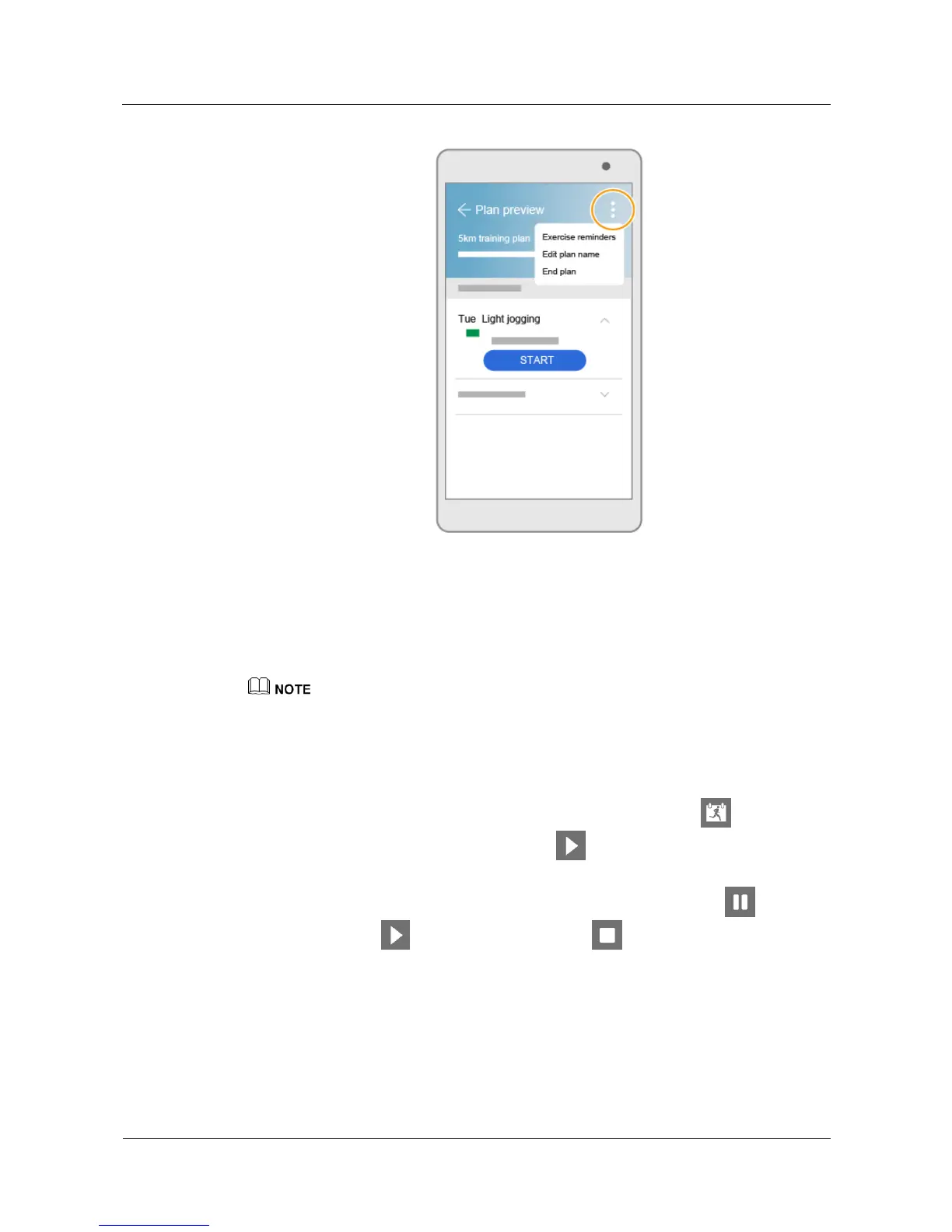
After you have created your training plan, it will be automatically synced to your watch.
When you start a training session you can start your exercise in the Huawei Wear app or on
your watch.
z
Start running from either your watch or the app. Do not start simultaneously on both your watch and
app.
z
To obtain a better exercise experience, it is recommended that you run outdoors.
Starting a workout on the watch
1. Swipe up or down on your watch screen to enter the Training plan . Touch the
screen to view your training sessions Touch . After a countdown from 3 to 1, you
can start running.
2. During your exercise, swipe right on your watch screen, and then touch to pause
running. Touch to continue running. Touch to finish running.
When you are running, you can swipe up or down on your watch screen to view your fitness
data in real time. Your watch monitors your fitness and health in real time, and will remind
you to accelerate or decelerate, or notify you that your heart rate is too high. Pay attention to
your watch's reminders and make adjustments accordingly.


 To Next Page