Huawei Proprietary and Confidential
Copyright © Huawei Technologies Co., Ltd.
z
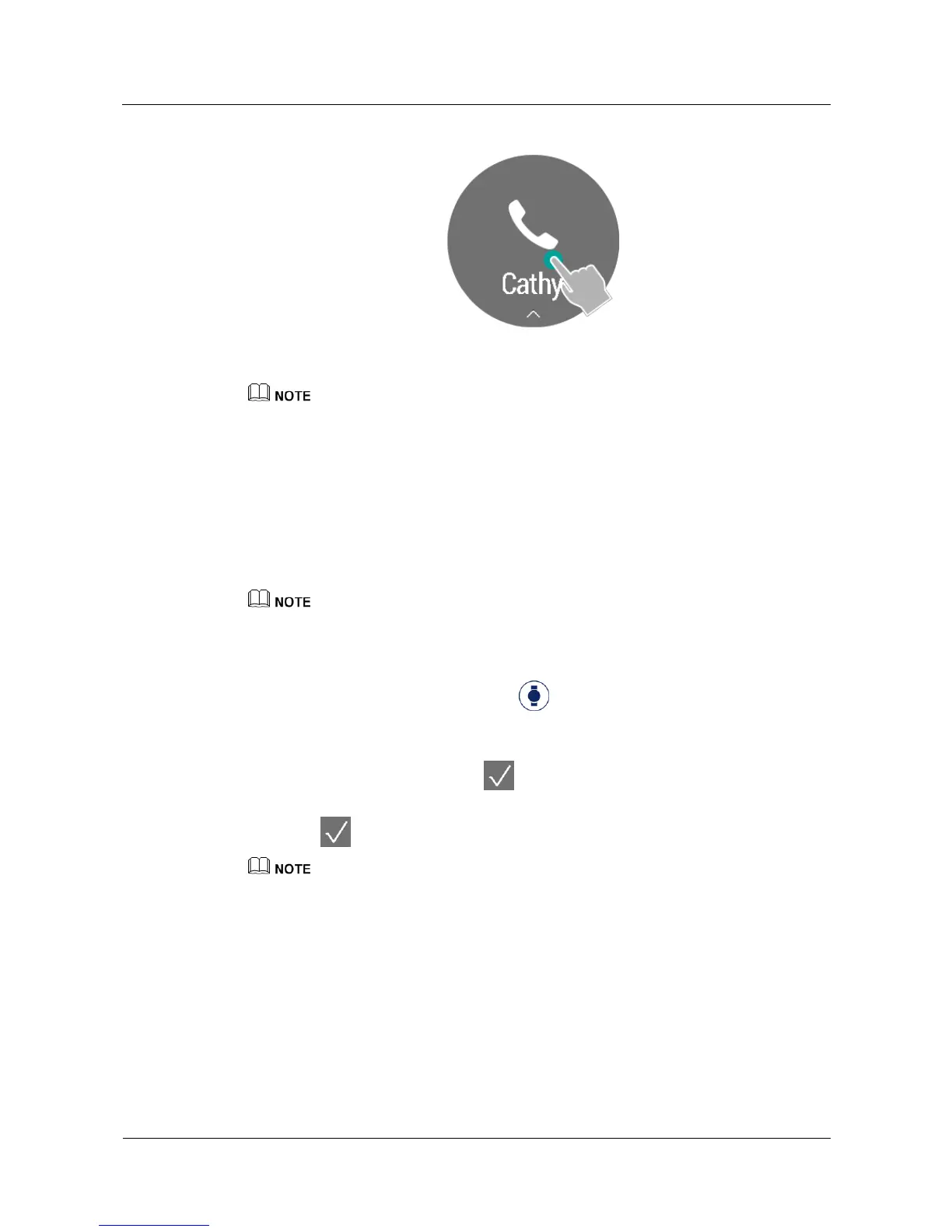
Muting incoming calls is only supported by Apple phones running iOS 8.0 or later.
z
,I\RXUSKRQHUXQV$QGURLGRUODWHU\RXFDQWRXFK\RXUZDWFKVFUHHQWRVWRS\RXUZDWFKIURP
vibrating.
3.3 Alarms
Set an alarm in the Huawei Wear app and wear your watch. Your watch will vibrate when the
alarm goes off.
If you are not wearing your watch when the alarm goes off, your watch will not vibrate.
Alarms
Open the Huawei Wear app, touch Devices , select your device, and then touch Alarm
set t i n gs to select and set an alarm.
z
Smar t al ar m: Turn on the smart alarm switch, set the alarm time, smart wakeup time,
and repeat cycle, and then touch .
z
Event alarm: Touch Add alarm, set the alarm time, label, and repeat cycle, and then
touch .
You can set up to one smart alarm and five event alarms.
Turning off an alarm
When an alarm goes off, swipe up on your watch screen to turn it off.


 To Next Page