Huawei Proprietary and Confidential
Copyright © Huawei Technologies Co., Ltd.
4.2 Changing the watch face
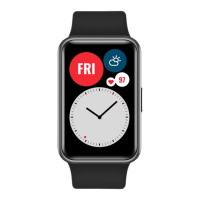
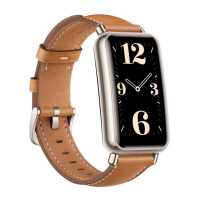
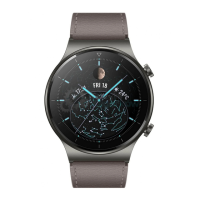
Your watch has many watch faces for you to choose from.
1. Swipe up or down on your watch screen and select More > Watch face.
2. Swipe up or down on your watch screen to switch between watch faces, and touch a
watch face to select it.
4.3 Setting the backlight
Set the backlight to adjust your screen brightness.
Swipe up or down on your watch screen. Select More > Backlight and touch the
screen to set backlight mode.
Table 4-1 Backlight mode
Your watch automatically turns the screen on or off based on the ambient
light, as well as your gestures and operations.


 To Next Page