Accessing the Internet
150
2
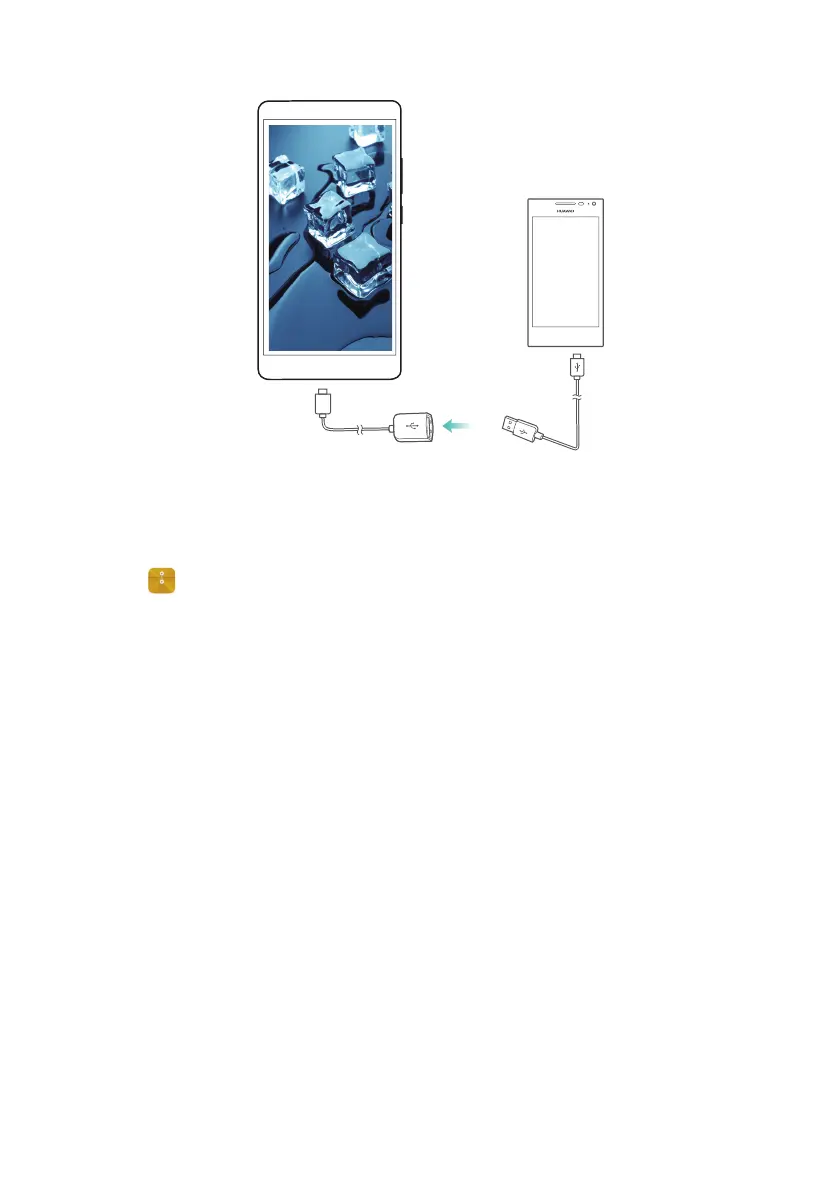
On the other phone, set the USB connection mode to USB flash drive.
3
Touch >
Local
>
USB drive
to browse data on the microSD card. You can select and
copy data to a destination folder. For more information, refer to Copying, moving, or
deleting files.
4
When you have finished browsing, touch
Settings
>
Advanced settings
>
Memory &
storage
>
USB drive
>
Eject
.
5
Disconnect the USB OTG and USB data cables from both phones.
Transferring data between your phone and a USB storage device
Your phone can access data on USB flash drives, card readers, and other storage devices
directly with a USB OTG cable.
1
Connect your phone to a USB flash drive with a USB OTG cable.
USB OTG cable
USB cable



 To Next Page