File management
161
1
Open
Files
.
2
In the
Categories
or
Local
tab, touch
Safe
.
3
Touch
Enable
to set the safe storage location.
4
Follow the onscreen instructions to set a password and security question, and then
touch
Done
to open Safe.
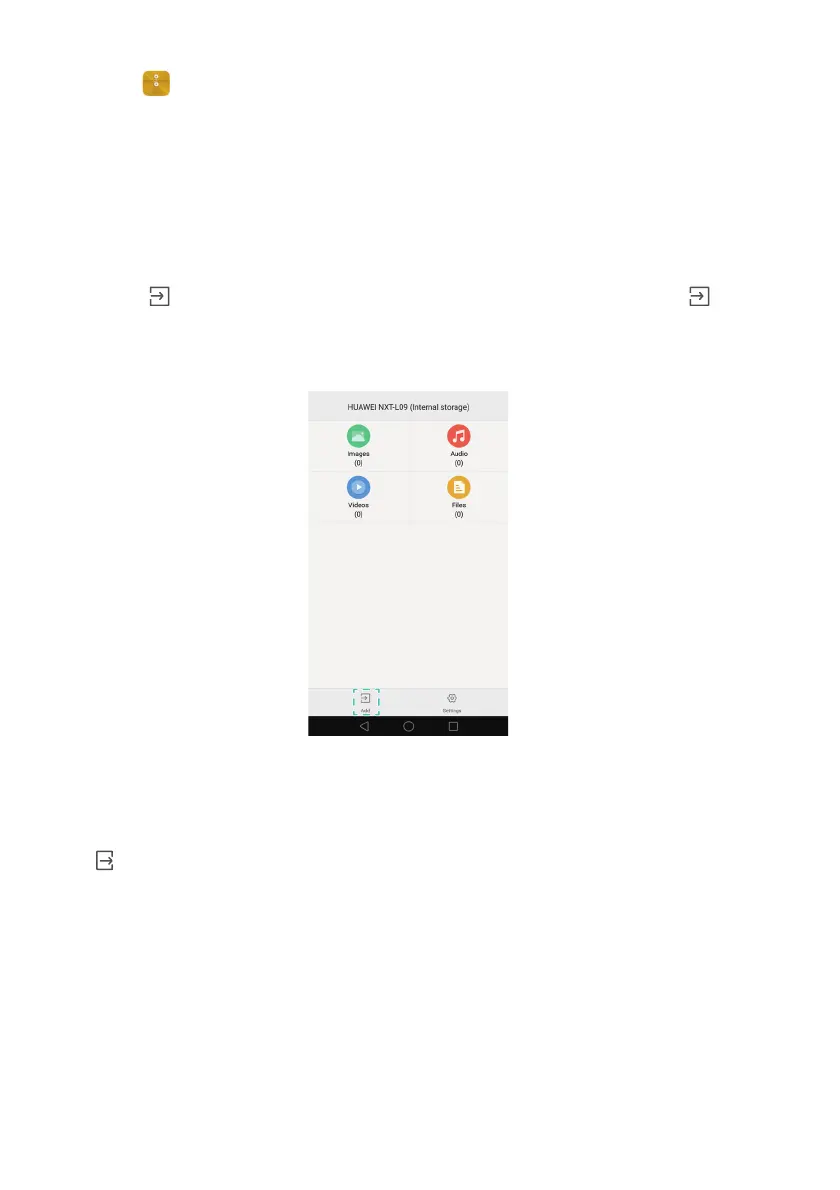
5
Touch . Follow the onscreen instructions to select files, and then touch to add
them to the safe.
•
Remove files from a safe
: In Safe, open the folder which contains the files you want
to remove. Touch and hold any file, select the files you want to move, and then touch
.
•
Destroy a safe
: In Safe, touch
Settings
>
Destroy safe
. Follow the onscreen
instructions to remove files from the safe and destroy it.
•
Change the safe password
: In Safe, touch
Settings
>
Change password
. Follow the
onscreen instructions to change the password.



 To Next Page