Getting to know your phone
52
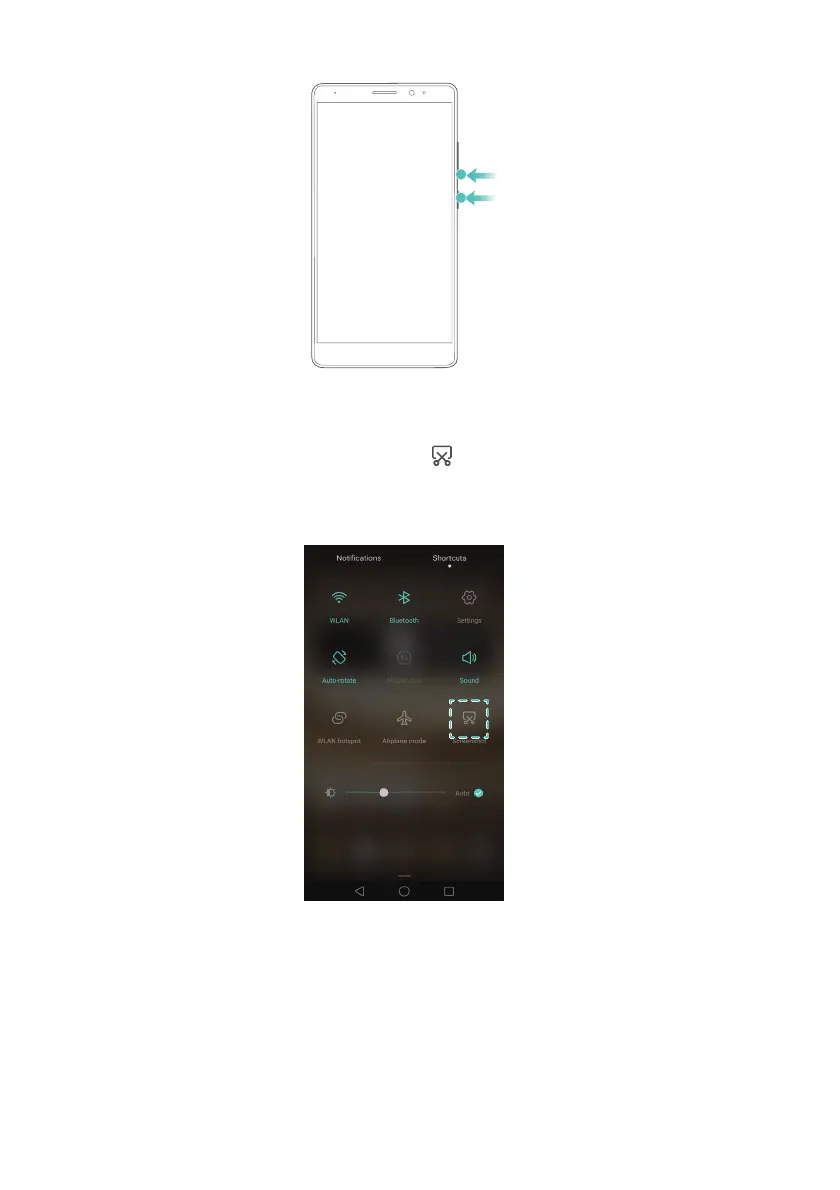
Using the screenshot shortcut switch
Open the notification panel, and then touch in the
Shortcuts
tab to take a
screenshot.
Using your knuckle to take a screenshot
You can use your knuckle to take a screenshot of the whole screen, or part of it. For more
information, refer to Knuckle screenshots.
Touch
Share
when viewing a screenshot to share it with your friends.



 To Next Page