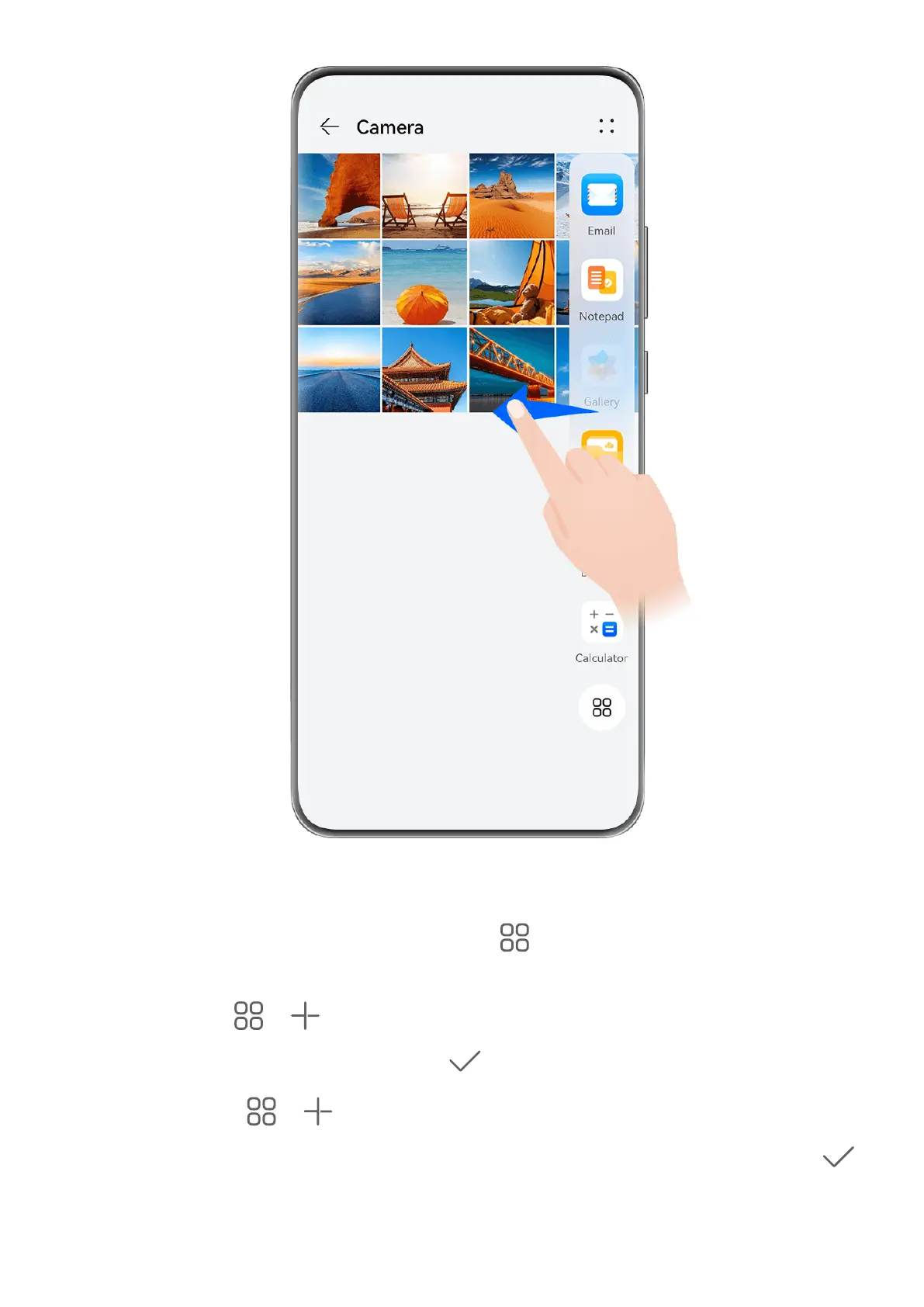
Swipe inward from the left or right edge of your phone and hold to bring up the Multi-
Window dock. From there, feel free to:
• View apps that support Multi-Window: Touch to nd apps that support Multi-
Window in the More apps section.
• Add apps: Go to > to enter the editing screen. Then touch the apps you wish to
add to the Multi-Window dock, and touch
.
• Move apps: Go to > to enter the editing screen, touch and hold down on an app
icon in the Multi-Window dock, drag it to your desired position in the dock, and touch .
Essentials
24



 To Next Page