• Remove apps: Go to > to enter the editing screen, touch in the upper right
corner of an app icon in the Multi-Window dock, and touch .
The recommended apps in the Multi-Window dock can't be deleted.
The Multi-Window dock is enabled by default. To disable it, go to Settings > Accessibility
features > Multi-Window, and turn o the Multi-Window dock switch.
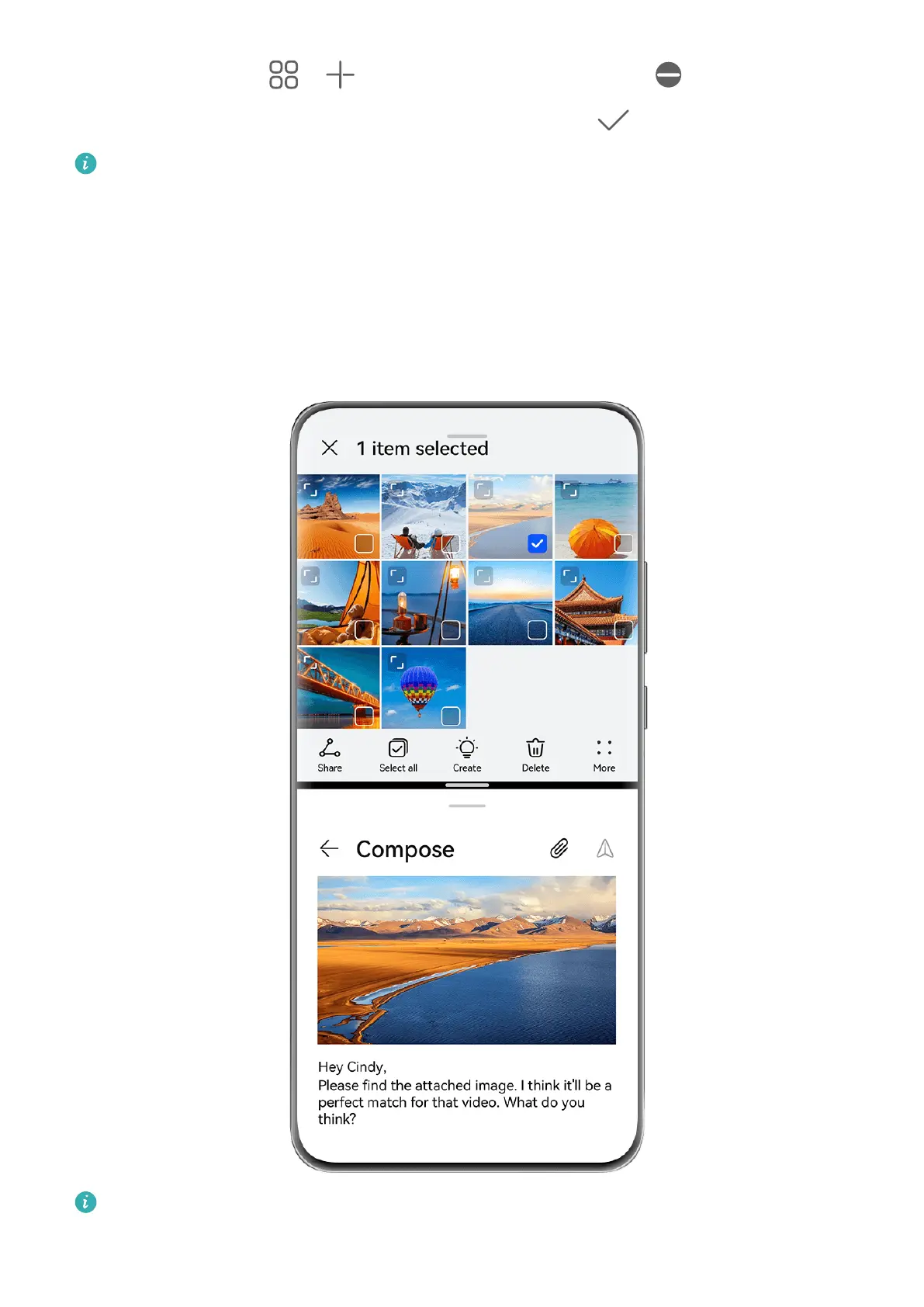
Split the Screen, to Multi-Task Away
Multi-Window allows you to open apps in split-screen mode, for seamless multi-tasking at all
times.
The gures are for reference only.
To split the screen:
Essentials
25



 To Next Page