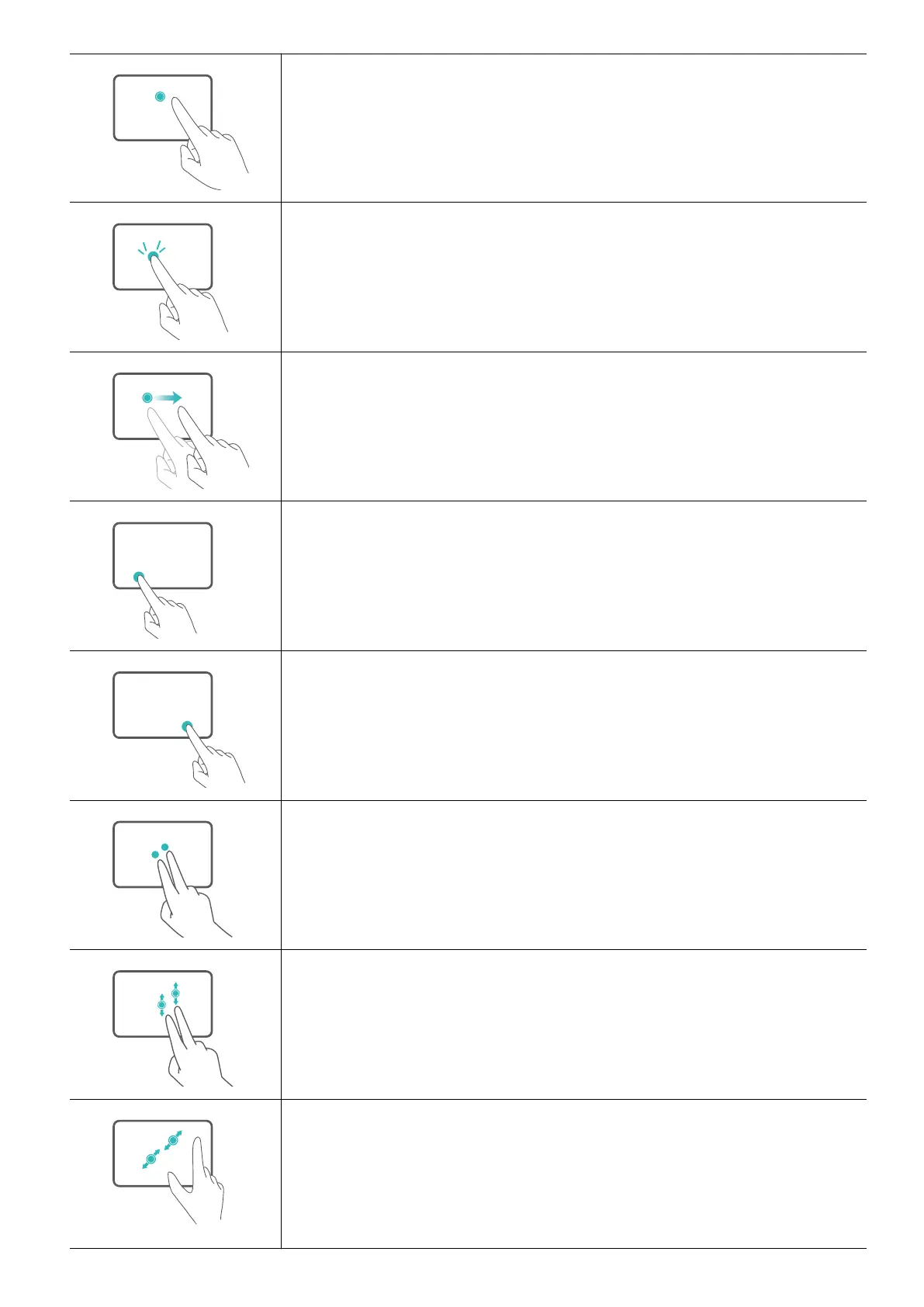
Tap with one nger: Left-click.
Tap twice with one nger: Double-click.
Slide with one nger: Move the cursor.
Press the left touchpad button: Left-click.
Press the right touchpad button: Right-click.
Tap with two ngers: Right-click.
Slide up or down with two ngers: Scroll up or down.
Pinch in or stretch out with two ngers: Zoom in or out.
Get to know your computer
5














 To Next Page