10
1
Ports
Introduction to the RTN 950A Equipment
2
Installation Holes on Both Sides of the Chassis
Input power port
Ethernet service port
NM/COM port
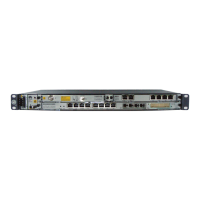
Based on different board configurations, the positions of the actual IDU ports may be different from the
positions shown in the figure.
Holes for installation in the N63E/19-inch cabinet
Before installing the chassis in the ETSI cabinet, adjust the holes for installing mounting ears based on the
type of the cabinet.
Holes for installation in the T63/T66/N66T cabinet
NE concatenation port
NOTE
NOTE





 To Next Page