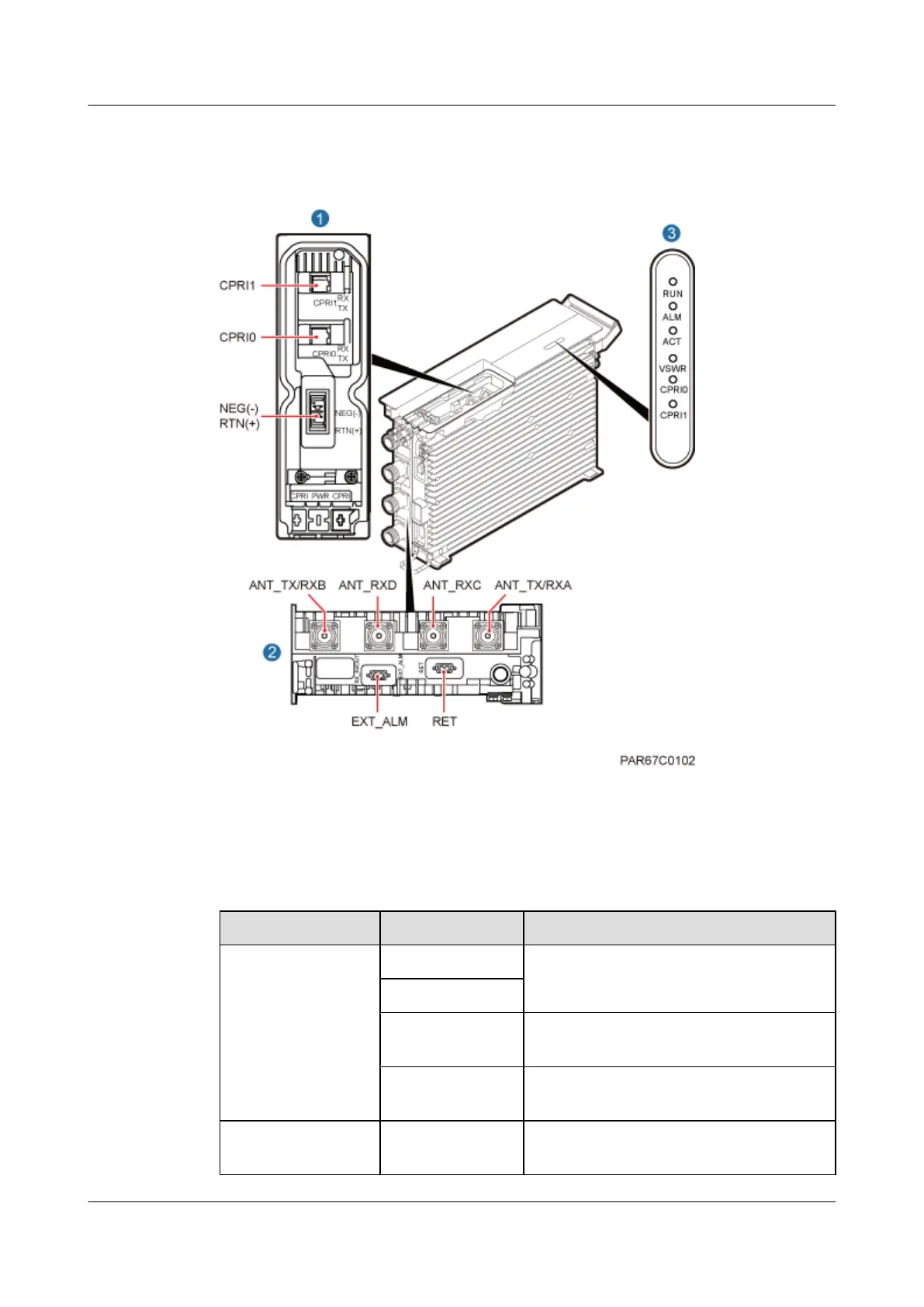
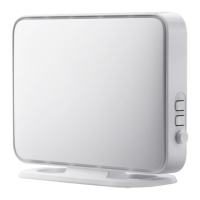
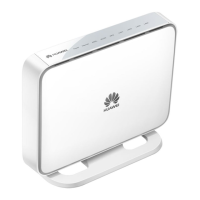
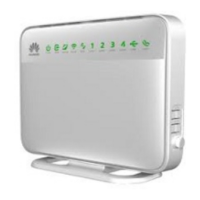
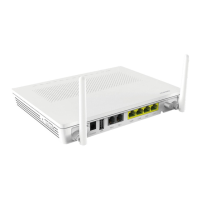
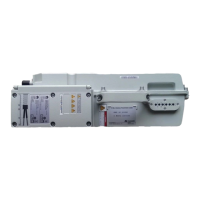
Figure 3-3 shows the ports on the RRU panels.
Figure 3-3 Ports on the RRU panels
Table 3-1 describes ports and indicators on the RRU panels.
Table 3-1 Ports and indicators on the RRU panels
Item Silkscreen Remarks
(1) Ports in the cabling
cavity
RTN(+) Power supply socket
NEG(-)
CPRI0 Optical/electrical port 0, connected to the
BBU
CPRI1 Optical/electrical port 1, connected to the
BBU
(2) Bottom ports ANT_TX/RXA TX/RX port A, supporting RET signal
transmission
RRU3262
Installation Guide 3 Information About the Installation
Issue 01 (2014-11-20) Huawei Proprietary and Confidential
Copyright © Huawei Technologies Co., Ltd.
9


 To Next Page