NOTICE
l Do not stand an RRU upright because the RF ports cannot support the weight of the RRU.
l Place a foam pad or cardboard under an RRU to protect the RRU housing from damage
during the installation.
Context
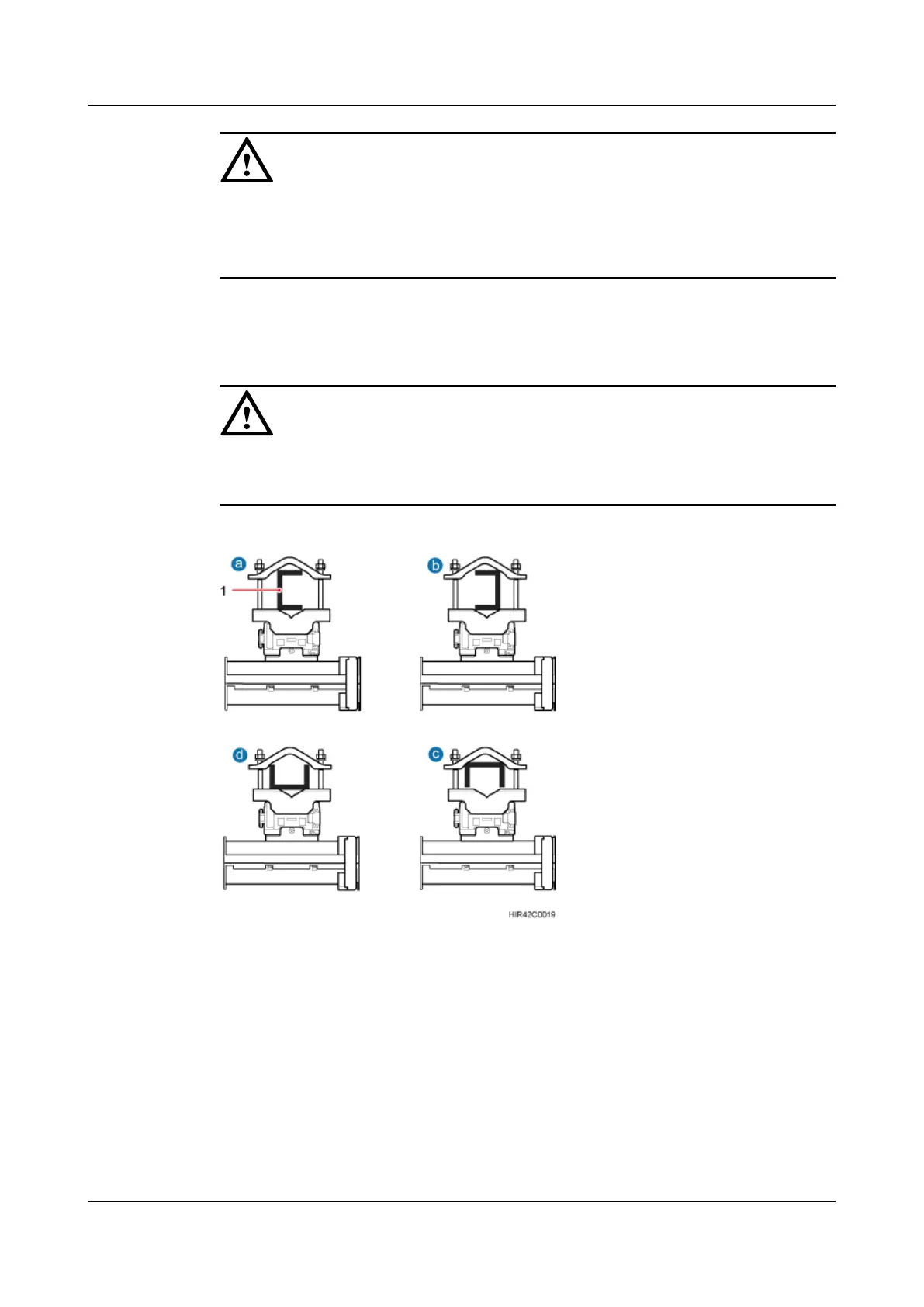
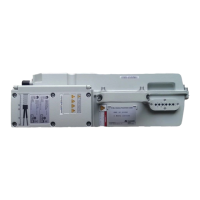
Figure 8-22 shows the top view of an RRU installed on U-steel.
NOTICE
When the width of the narrower edges of the U-steel is less than 40 mm (1.57 in.), only the a
and b modes are supported.
Figure 8-22 Top view of an RRU
(1) U-steel
Procedure
Step 1 Determine a position for installing the mounting brackets.
l If the RRU is installed on a tower, determine a position for installing the mounting brackets
according to the instructions in 3.5.1 Clearance for a Single RRU.
l If the RRU is installed on the ground, determine a position for installing the mounting
brackets according to the instructions in Figure 8-23.
RRU3262
Installation Guide
8 Installing the RRU
Issue 01 (2014-11-20) Huawei Proprietary and Confidential
Copyright © Huawei Technologies Co., Ltd.
65


 To Next Page