HUAWEI SCL Smartphone FAQs
14/82
1.6.3 How do I edit the main menu?
1.6.4 How do I switch between 2D and 3D home screens?
Your phone does not support 3D home screens.
1.6.5 How do I add a shortcut for an application to a home screen?
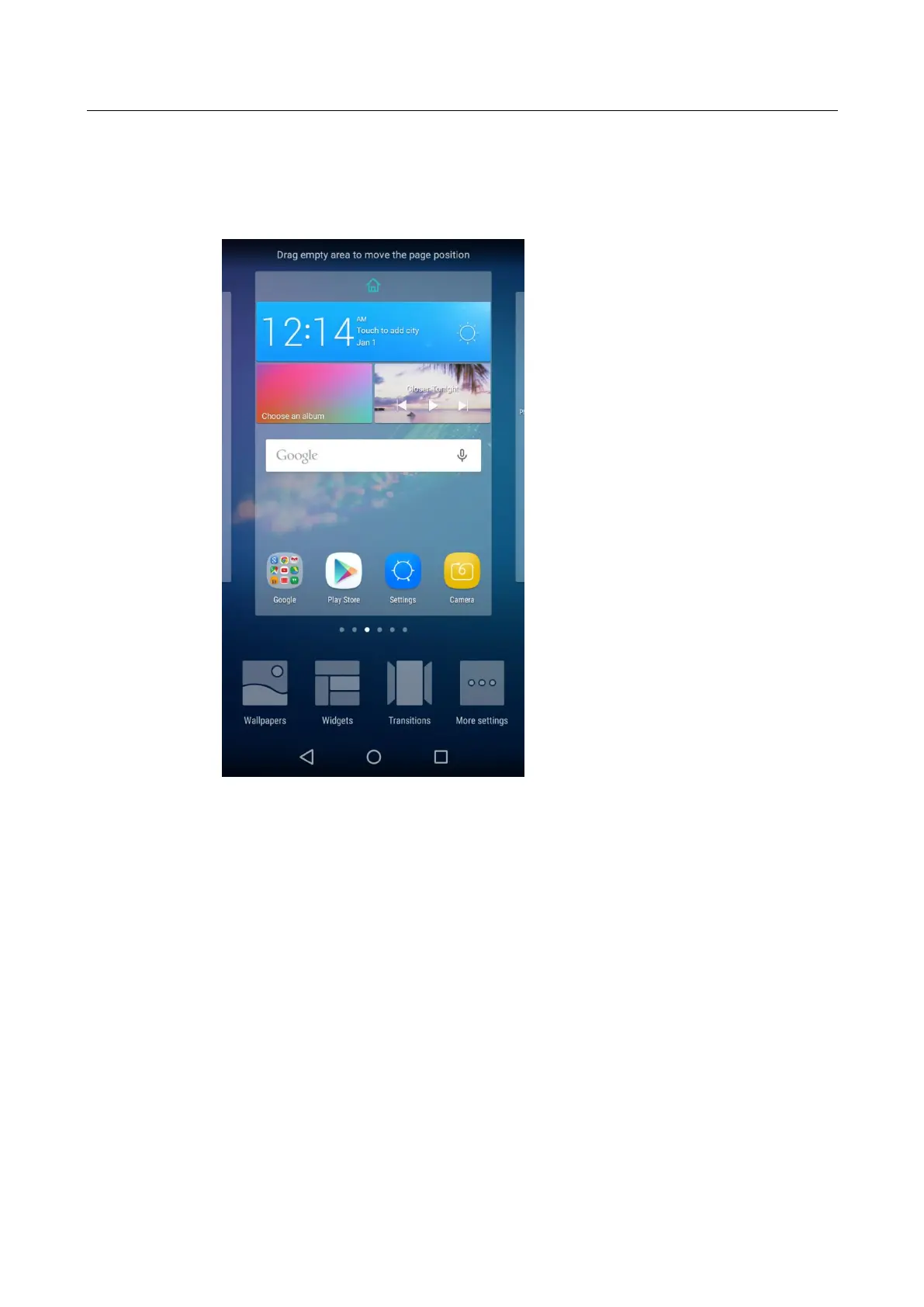
On the home screen, touch and hold an empty spot. From the displayed four options at the
bottom, touch Widgets and drag a desired widget from the displayed list to the target screen.
Then touch the home button to return to the home screen.


 To Next Page