HUAWEI SCL Smartphone FAQs
40/82
2 Common settings
2.1 Email
2.1.1 How do I configure email settings?
Adding an email account
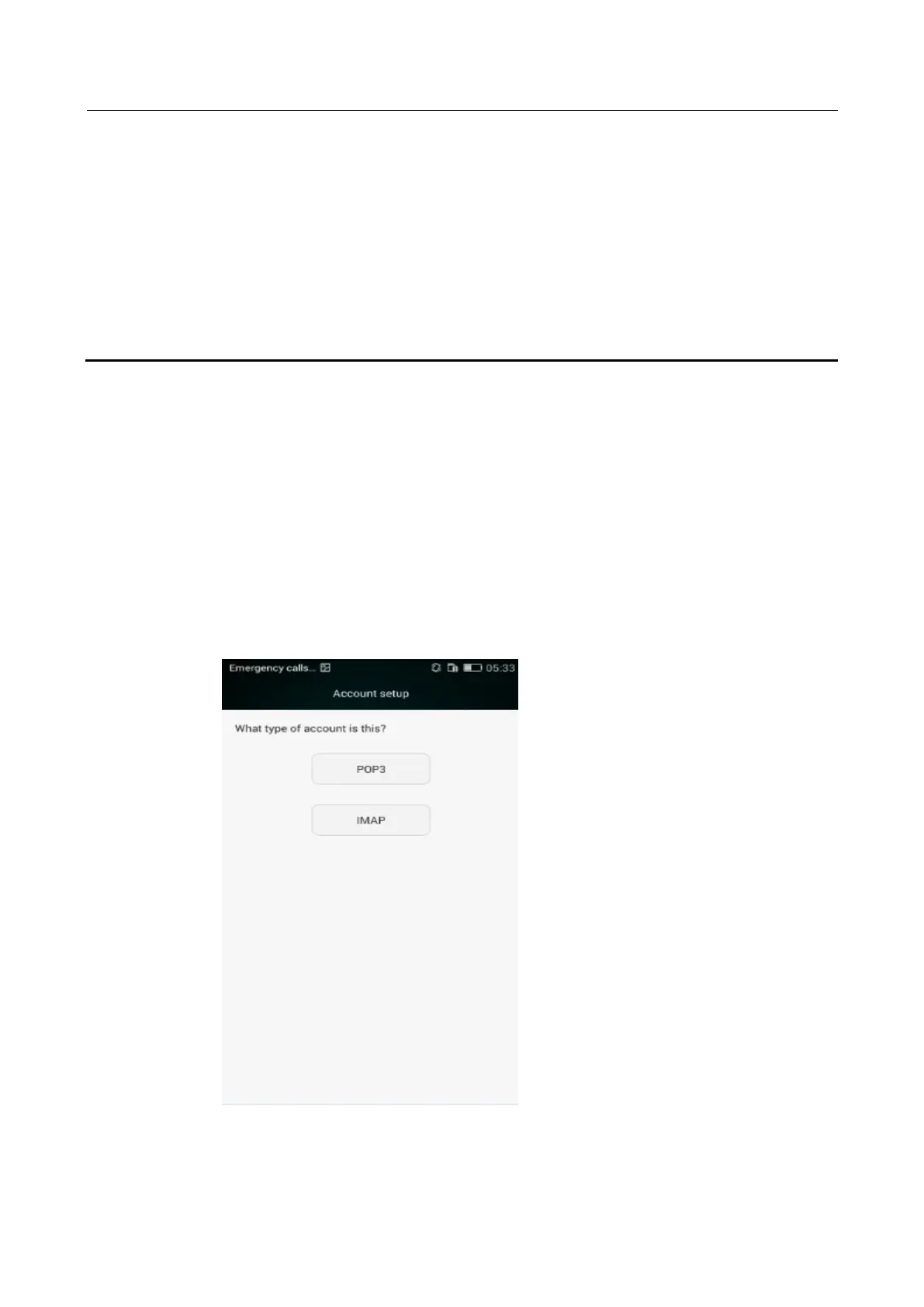
On the home screen, touch Email > Account setup. An email account can be configured
automatically or manually.
Manual setup
1 On the Account setup screen, enter your email account name and password.
2 Touch Manual setup to enter screen where you can select an email type.
3 Touch POP3 to configure the incoming server settings.


 To Next Page