HUAWEI SCL Smartphone FAQs
60/82
2.11.4 How do I install, manage, and uninstall applications?
Installing applications
Before installing, managing, or uninstalling applications: Go to Settings and touch
Security. On the displayed screen, select Unknown sources.
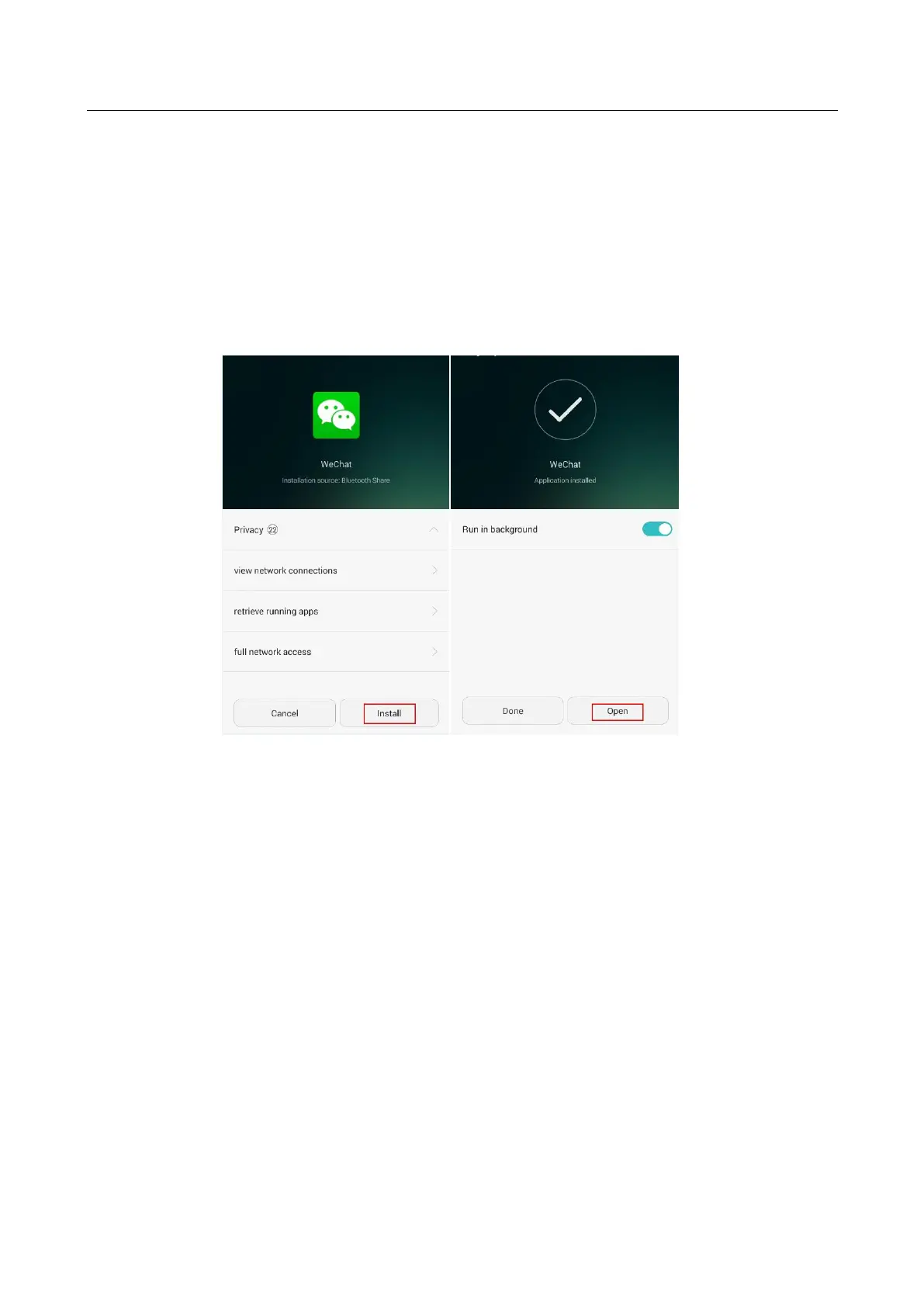
Method 1: Go to App Center, download the application you want to install, and follow
the onscreen instructions to install it.
Method 2: Copy the .apk file corresponding to the application you want to install to your
phone's internal storage or the microSD card. Go to Files, find the .apk file and touch it
to install the application.
Managing applications
On the home screen, go to Settings. Touch Manage apps > All. On the All tab where all
applications installed on your phone are listed, touch an application to perform desired
operations.


 To Next Page