TP482000B V300R002C03 Telecom Power
(TP482000B-N20B1, TP482000B-N20B2,
TP481200B-N20B1, and TP481200B-N20B2)
User Manual
Copyright © Huawei Technologies Co., Ltd.
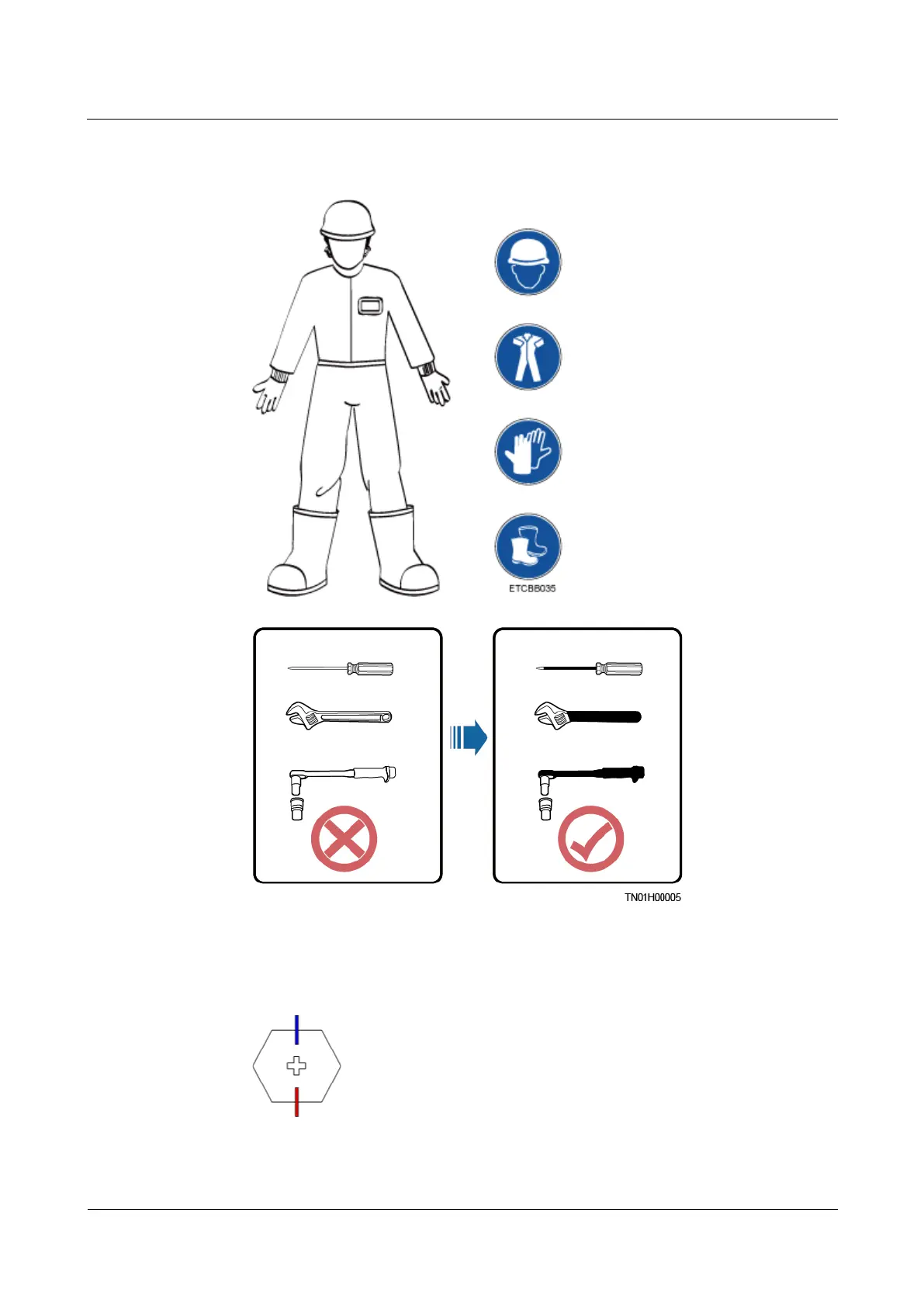
When installing, operating, or maintaining the equipment, wear dedicated protective
gears such as insulation gloves, goggles, and safety clothing, helmet, and shoes, as
shown in the following figure.
Use insulated tools or tools with insulated handles, as shown in the following figure.
Follow the specified procedures for installation, operation, and maintenance.
Ensure that bolts are tightened with a torque wrench and marked using red or blue color.
Installation personnel mark tightened bolts in blue. Quality inspection personnel confirm
if the bolts are tightened and then mark them in red. (The marks should cross the edges
of the bolts, as shown in the following figure.)







 To Next Page