a
Rooms and Groups
Rooms and Groups are a great way to stay in touch with the people who
matter most to you. With Rooms, you send a text message inviting family
and friends to join, and when they accept, you'll be able to chat with the
whole room and privately share a calendar,
photos, and notes with them.
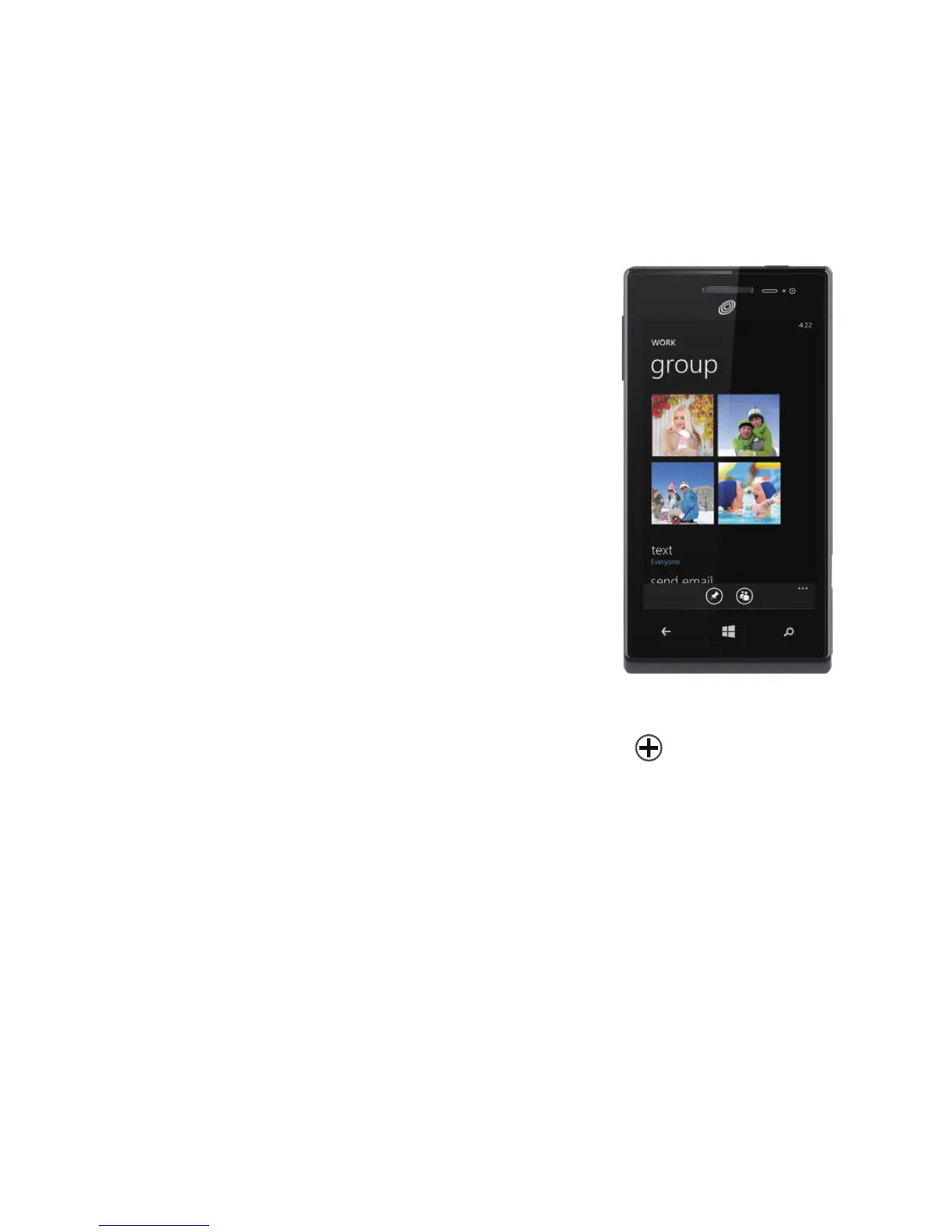
With Groups, you just add some contacts, and
then you can see updates from Facebook and
Twitter, new messages, and missed calls, just
from those folks, all in one place. Plus, you can
send them group texts and emails. No need to
invite them—a Group is just for you!
Your phone comes with a "Best friends group"
and a "Family Room" to get you started—you'll
see their Tiles when you go to
People
and ick
to
together. Tap one to set it up.
To create a new Room or Group:
1.
Tap
People, ick to
together, then tap
new
.
2.
Tap either
Room
or
Group
and follow the instructions.


 To Next Page