1
Kid's Corner
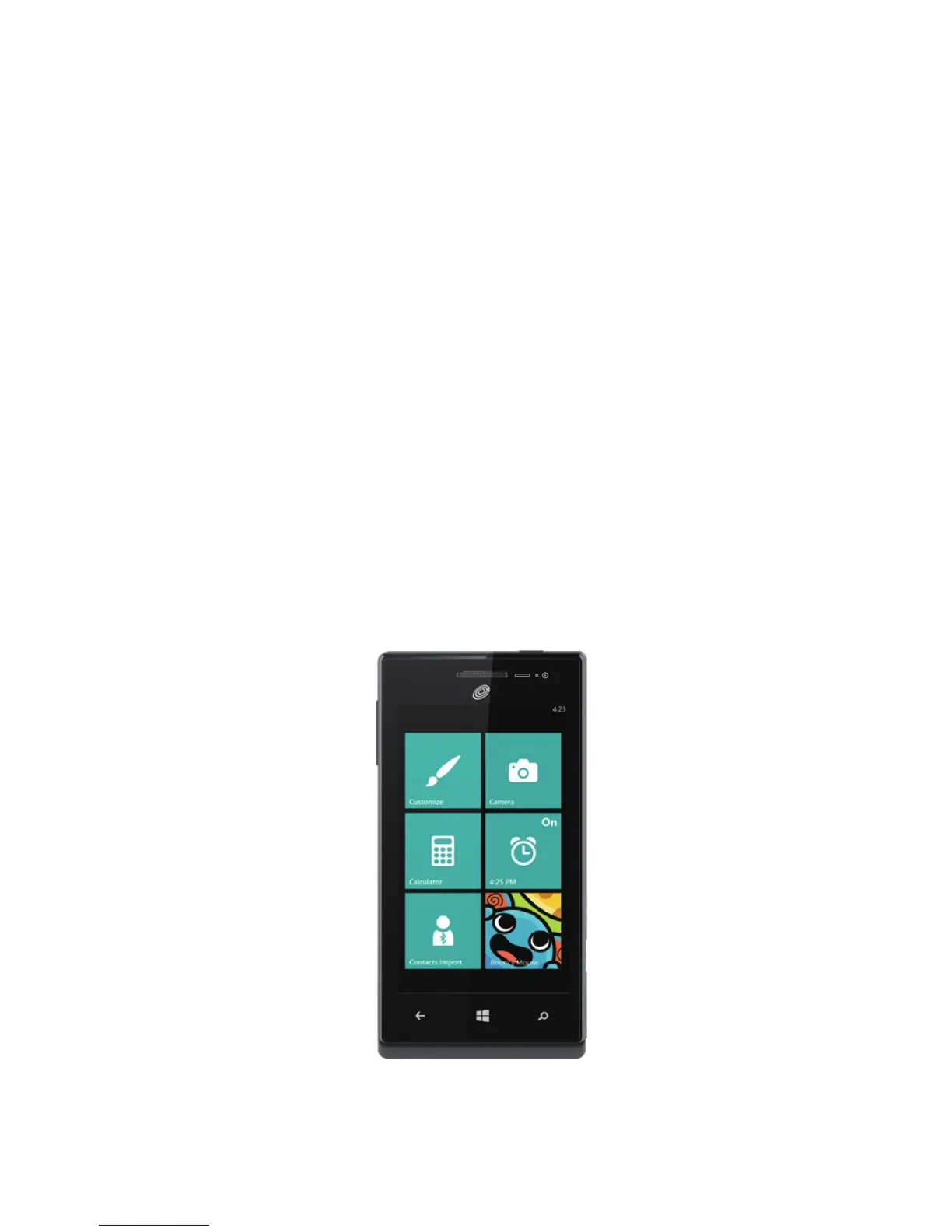
Kid's Corner gives you a way to share apps, videos, games, and music
with your child without worrying that they might accidentally buy something,
delete something important, or send email to your boss.
To set it up, tap
Kid's Corner
and follow the instructions. Once it's set
up, your child gets to Kid's Corner by swiping left from your lock screen.
There's a whole separate Start screen, where kids can choose the theme,
arrange their own Tiles, and play anything you've shared with them. To
leave Kid's Corner, press the phone's Power button.


 To Next Page