1
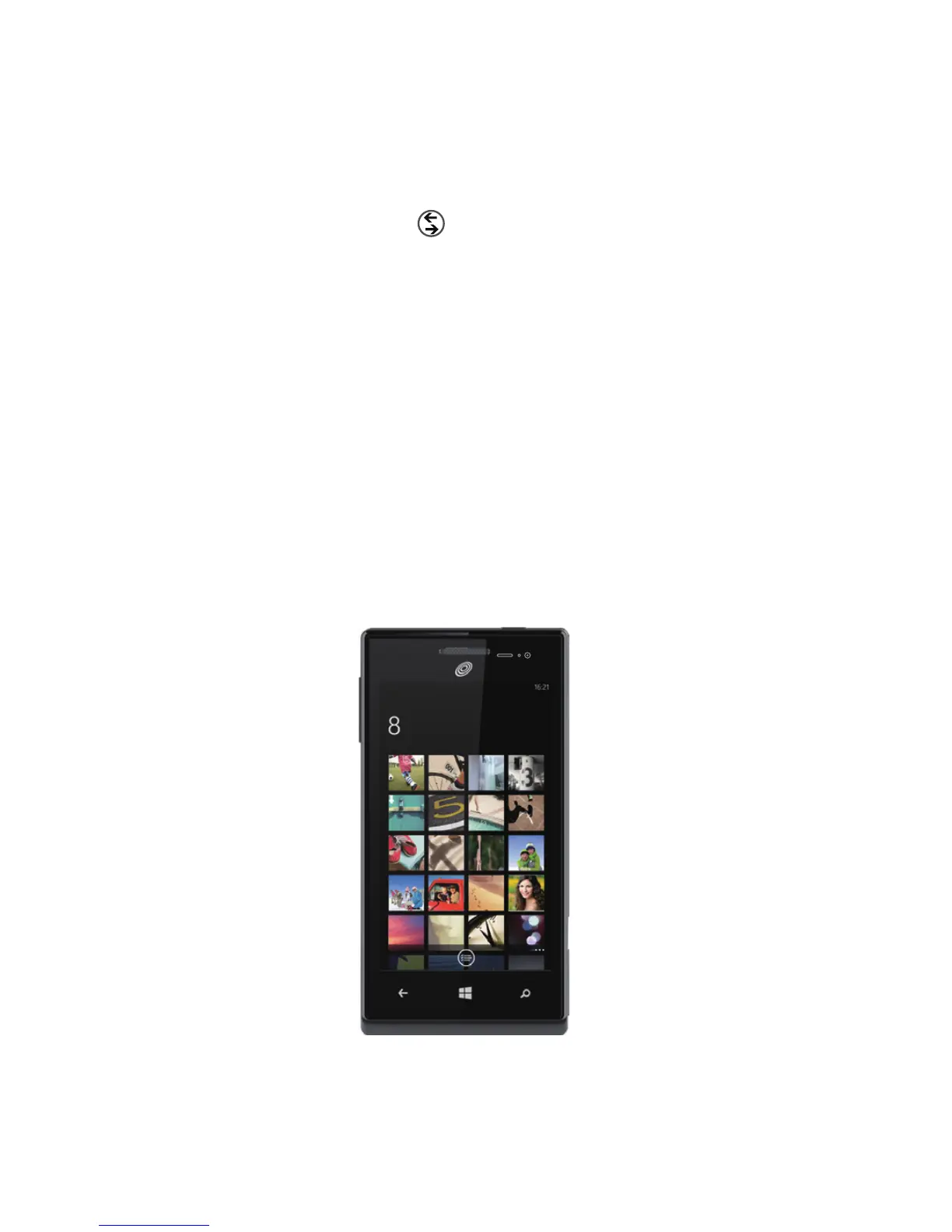
Camera + photos
There are piles of apps to make the photos you take on your phone look
vintage, fancy, panoramic, silly, or just black and white. With Lenses, you
don't have to dig to nd your camera apps—you can get to them right from
the Camera by tapping
lenses
.
Here are a few more tips for your inner shutterbug. Did you know you can:
> Press the Camera button to bring up the Camera from anywhere?
> Add pictures to your favorites album to create a slideshow in your
photos tile?
> Press the Camera button halfway to focus the Camera?
> Tag faces in the photos you share? Look for Who's this? and then
type the person's name.


 To Next Page