a
Powering on
Press and hold the power button until your phone vibrates.
a
Powering off
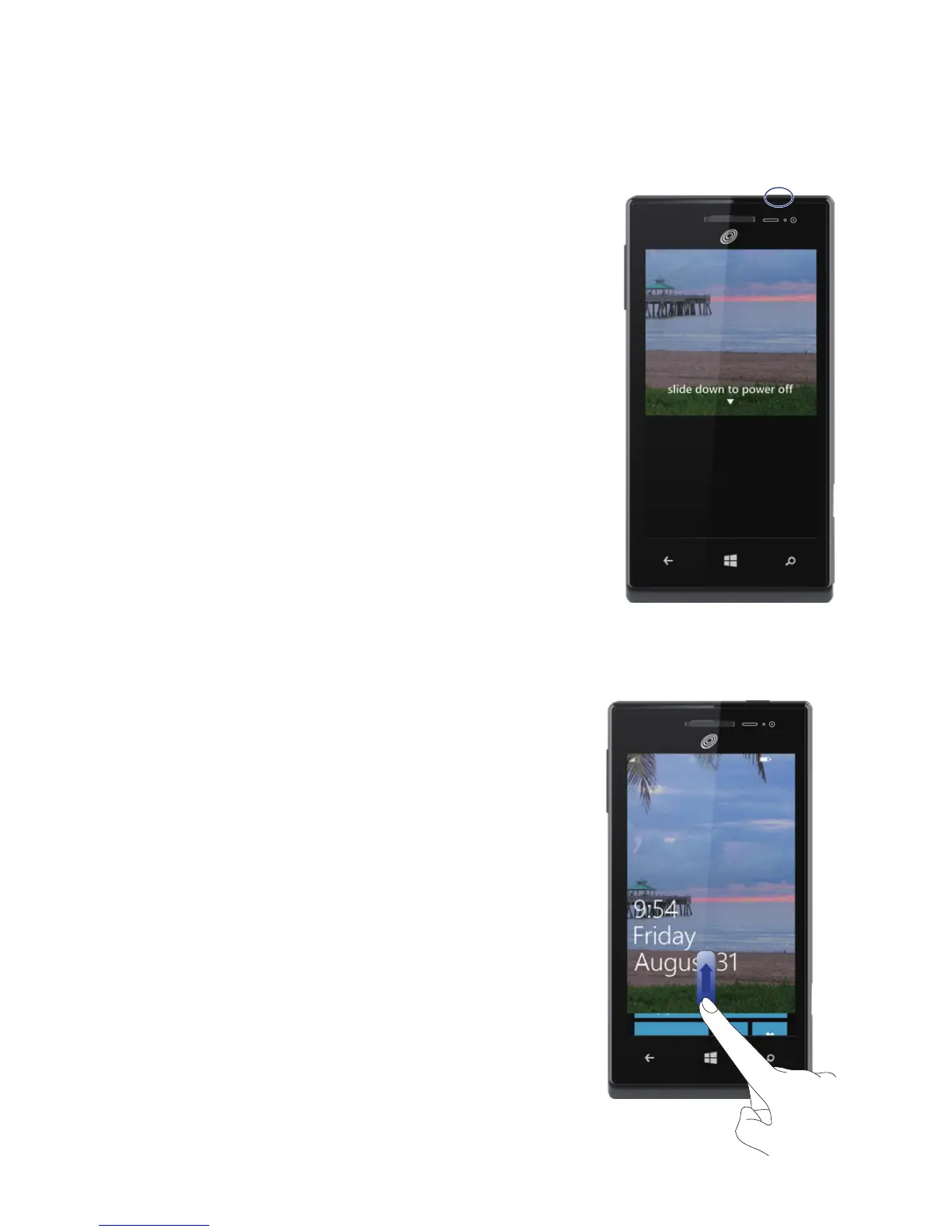
Press and hold the power button until the
slide down to power off message is displayed
on the screen. Slide down to power off your
phone.
a
Locking the screen
When not using your phone, press the power button to lock its screen.
If idle for a specied period, your phone will automatically lock its
screen.
a
Unlocking the screen
Press the power button to wake the screen.
Then slide your nger up the screen to
unlock it.
1
Get started


 To Next Page