1
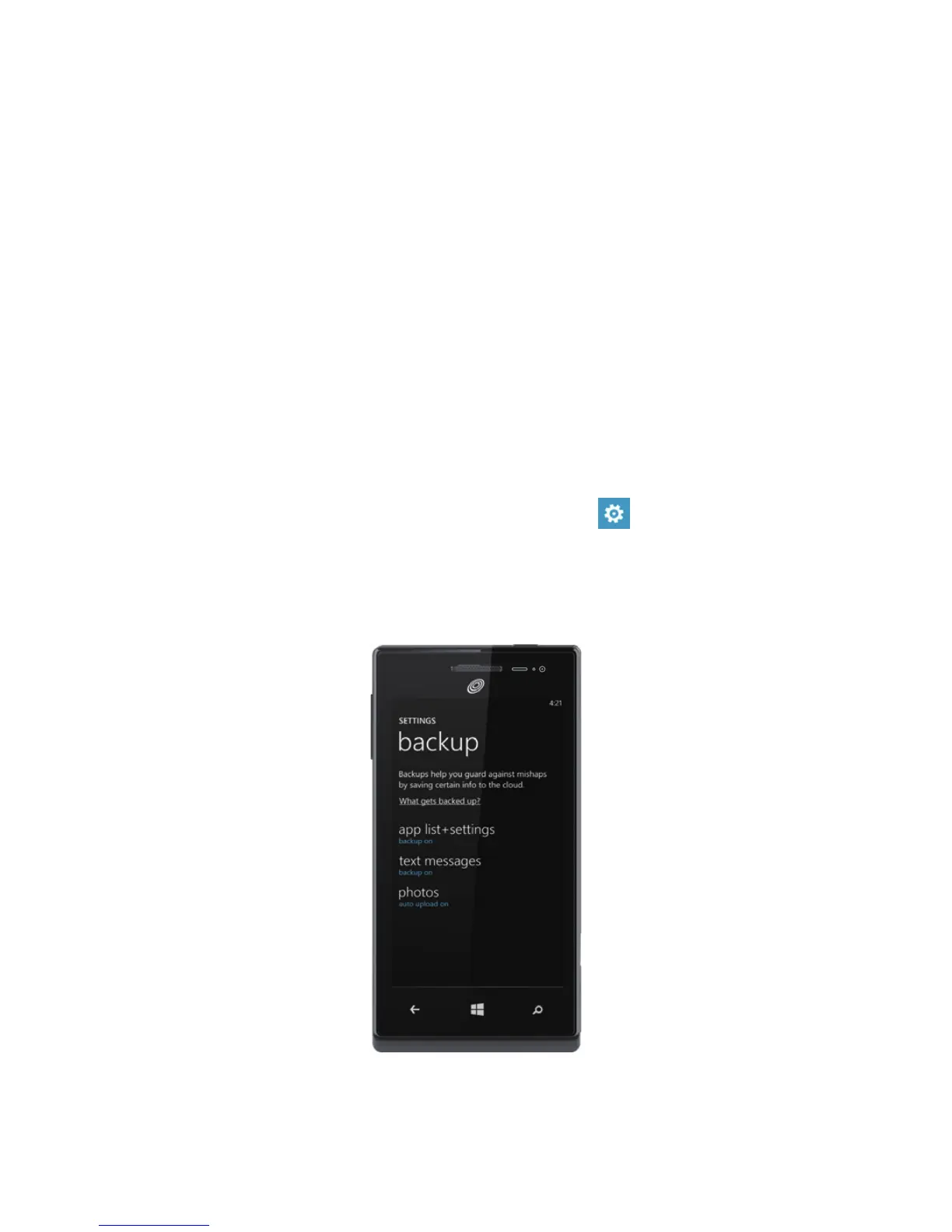
Back up your stuff
When you sign in with your Microsoft account on your Windows Phone,
you can turn on the service that lets you automatically save things to an
online service known as the cloud. When you set up backups on your
phone, you can:
> Automatically upload your photos and videos to SkyDrive so you
can see them from anywhere you can access the web.
> Sync your SMS and MMS messages to Hotmail so you have a
backup, just in case.
> Create backups of your phone's settings, including the list of apps
you've installed, your theme color, Internet Explorer favorites,
accounts, and more.
You can ne-tune your backup options in
Settings
>
backup
.
For
example, you can automatically upload your photos and videos at a high
resolution, or manually back up your settings any time you choose.


 To Next Page