a
Pick ringtones and sounds
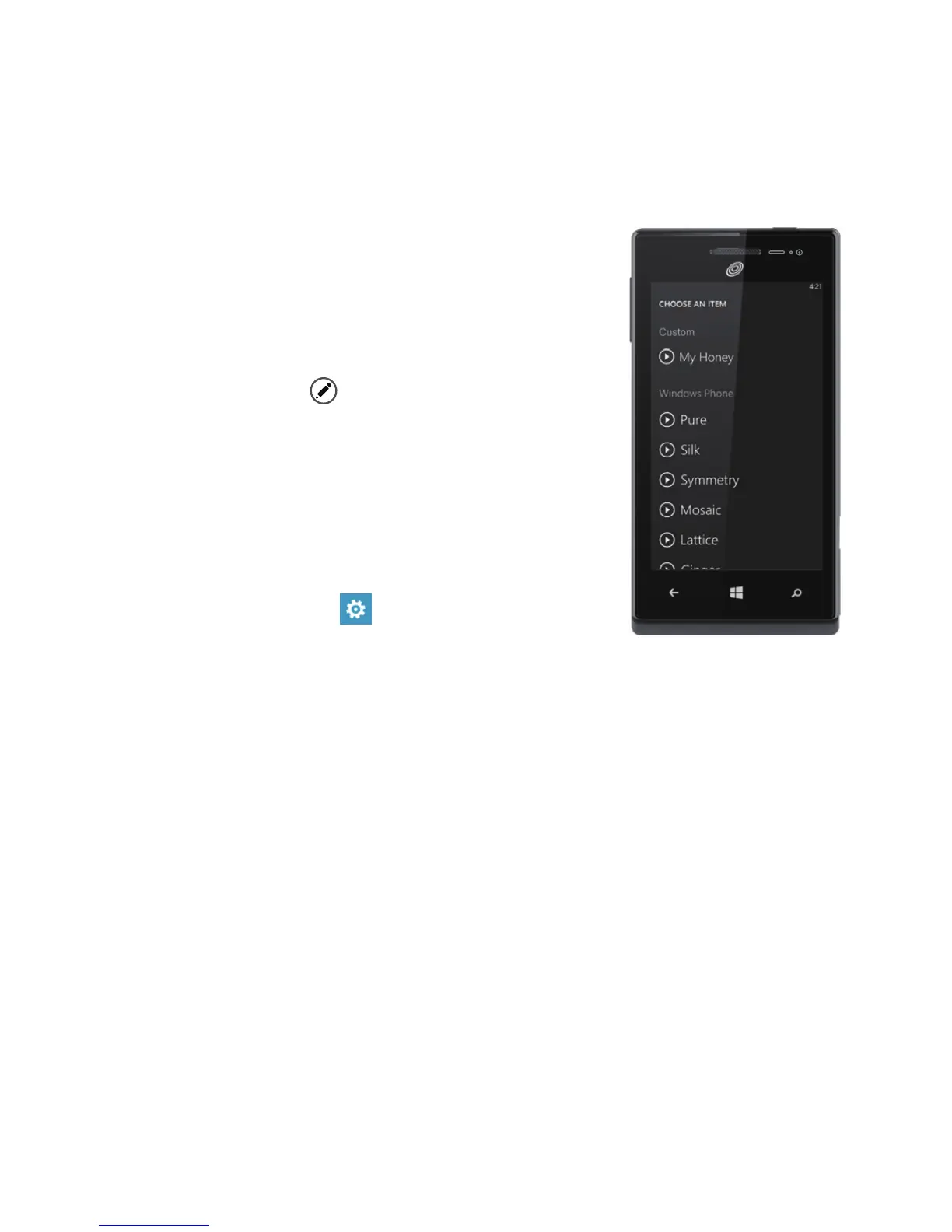
You can assign ringtones to people and choose sounds for alerts. Pick just
the right chirps, jingles, rings, or songs to suit
your tastes.
To change a ringtone for a contact:
1.
On
Start, tap
People, then ick to
all.
2.
Tap the contact you want to change,
then tap
.
3.
Tap
ringtone, then tap the ringtone
you want to assign.
To change any other ringtone or alert:
1.
On
Start, ick left to the
App list, then
tap
Settings
>
ringtones + sounds
.
2.
Tap the type of ringtone or alert you
want to change, then choose the sound you want to use.
You can also create your own ringtones. For more information, go to
windowsphone.com.


 To Next Page