1
Search and do with Bing
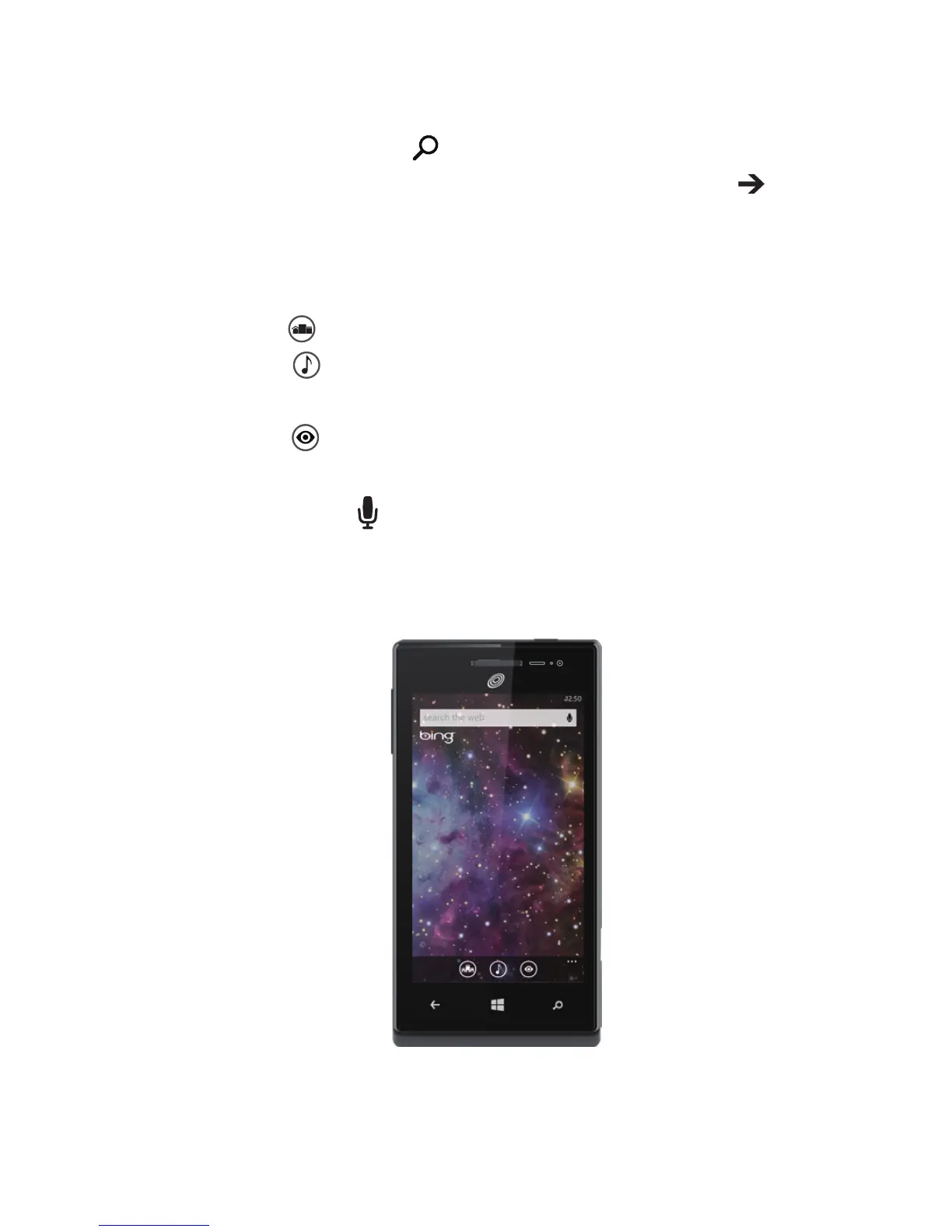
No matter where you are on the phone, you can always search with Bing
by pressing the Search button
.
Just type whatever you're looking for in the search box, then tap
. Bing
will show you not only the web results, but also local results (including
maps, ratings, and directions) and images.
Plus, there are even more ways to search than with words.
> Tap scout
to see places to eat, drink, shop, and visit nearby.
> Tap music
to identify songs and get them at the Windows
Phone Store.
> Tap vision
to scan barcodes, QR Codes, Microsoft Tags, books,
magazines, and more to get more information or translations.
And you can always tap
to say what you're looking for and spare your
ngers the typing.


 To Next Page