Leo Proudcts Online Help-es
Leo Proudcts Online Help-es
Huawei Proprietary and Confidential
Copyright © Huawei Technologies Co., Ltd.
z
Turn off Theater mode.
Press and hold the power button:
z
Press and hold the power button for 3 seconds to power on your watch.
z
Press and hold the power button for 3 seconds to enable the voice assistant.
z
Press and hold the power button for 10 seconds to restart your watch.
9D6$*S3D#2$*"#'PD$$"#'
Press and hold the multi-function button to open the workout app when the screen is turned
on.
'
You can change the workout app opened by pressing the multi-function button by choosing
Sett ings > Personalization > Customize hardware button, and touch Bottom right to access the app
list.
Double-pr ess the multi-function button to open the payment app.
N"D2?'+%&$D-%&'
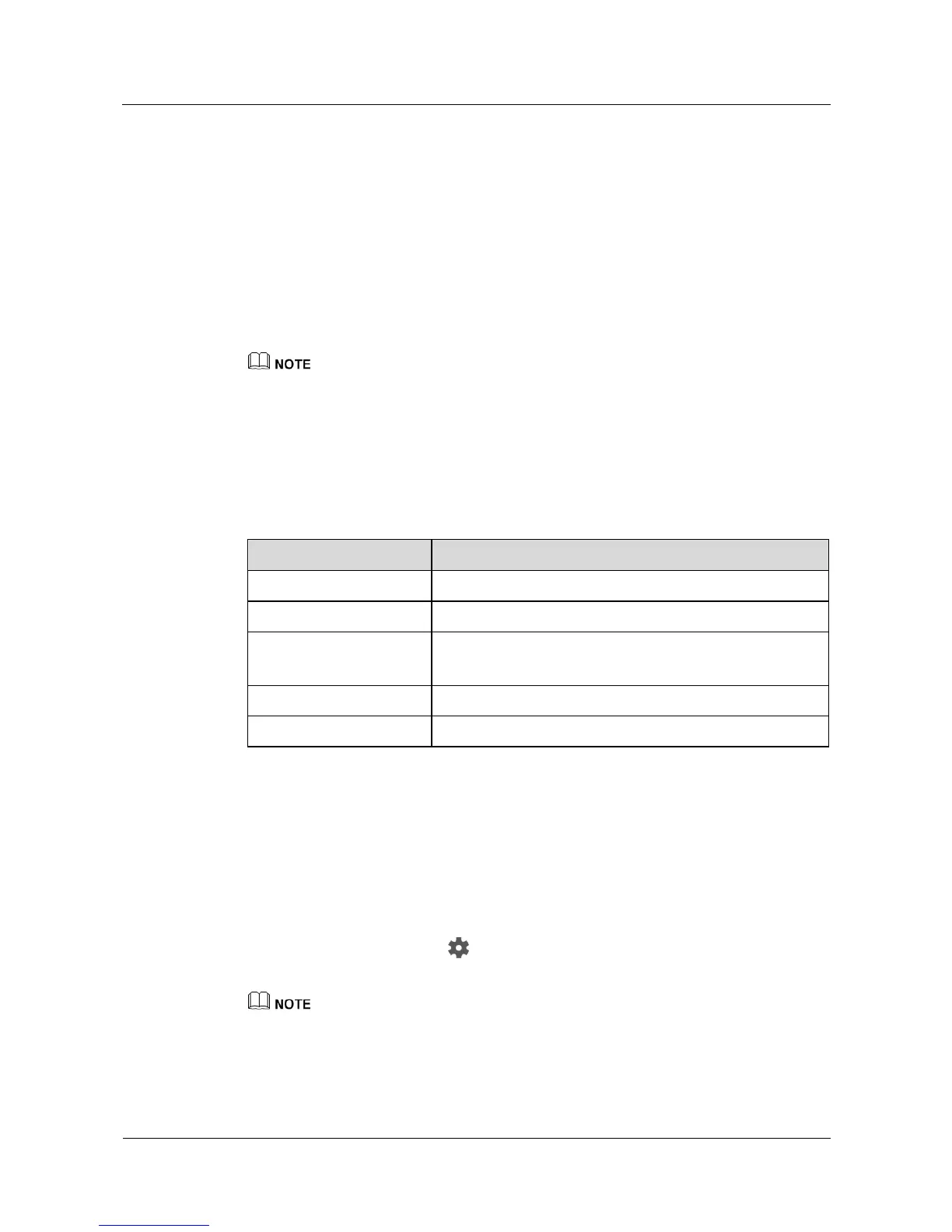
The following table describes the gestures supported by your watch.
Access the watch face list (On the home screen).
Return to the previous screen.
0/0'H2-%%#'"A%-,$*"#&'
ND-#*#+'"#'$?%'&2-%%#'
You can raise or rotate your wrist inward to turn on the screen.
In the Android Wear app, touch screen. Choose the paired watch in DEVICE
SETTI NGS, and select Tilt to wake screen.
'
In Theater mode, you can only turn on the screen by pressing the power button.
ND-#*#+'"33'$?%'&2-%%#'
Manually/Automatically turning off the screen















 To Next Page