Huawei Proprietary and Confidential
Copyright © Huawei Technologies Co., Ltd.
8'9%&&,+*#+',&&*&$,#$'
4.1 Viewing, replying to, and deleting messages
4.2 Blocking notifications
4.3 Sending messages from your watch
4.4 Reminder
8/('O*%F*#+X'-%A6E*#+'$"X',#.'.%6%$*#+'4%&&,+%&'
O*%F*#+'4%&&,+%&'
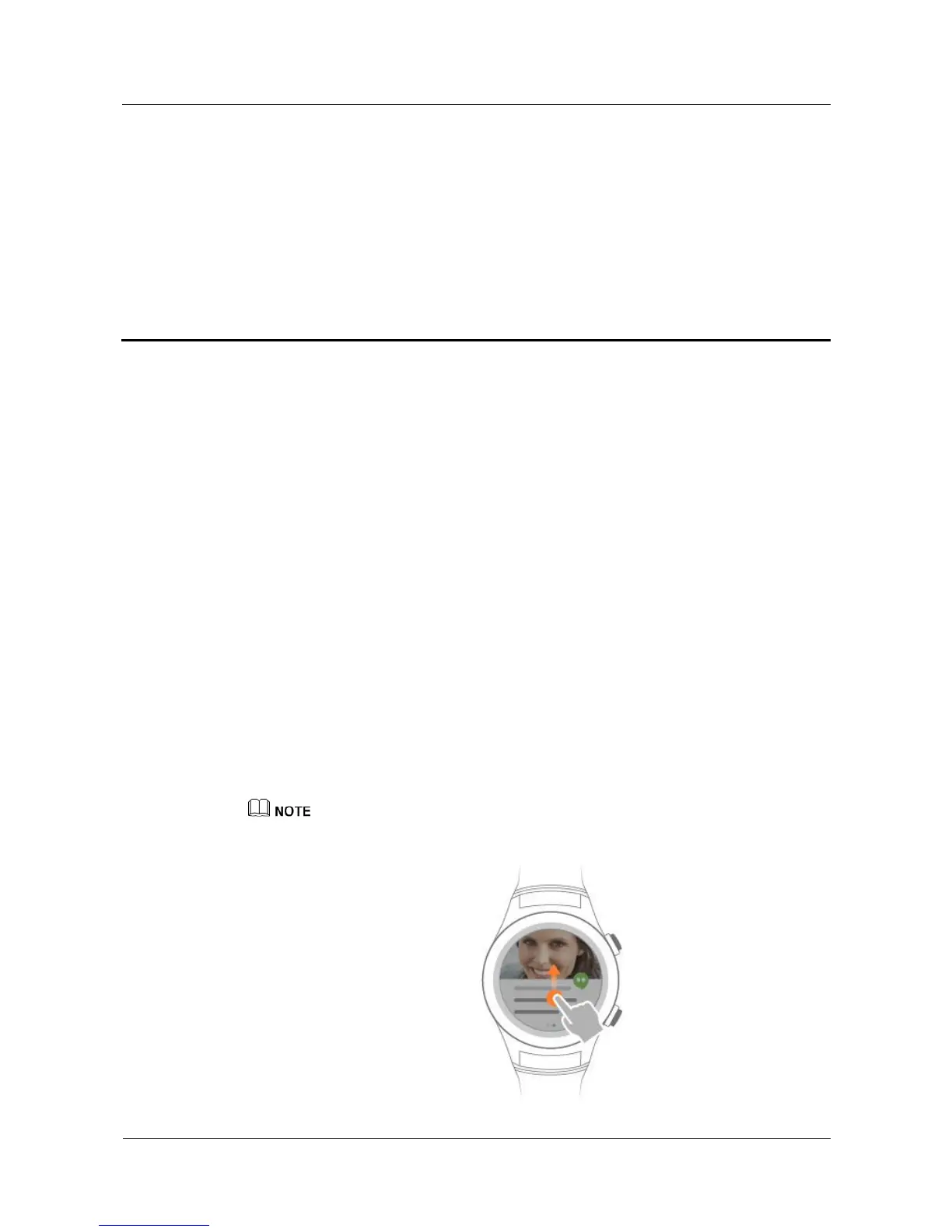
When you are wearing your watch, it will vibrate if it receives new message. Lift your wrist
and swipe up the message card to view the new messages.
Your messages are saved in your watch for later viewing if you do not view the messages
instantly.
The message card will display for 5 seconds by default. To modify the display duration, go to
Set t i ngs > Sound & not ificat ions > Notification preview, and choose High(Always show)、
Normal(Show for 5 seconds) or Off(Never show).
'
z
When your watch receives multiple messages, swipe up on the screen to view the next message.
z
If you delete messages on your watch, the messages in your phone will also be deleted.















 To Next Page