Huawei Proprietary and Confidential
Copyright © Huawei Technologies Co., Ltd.
T%Y%2$*#+'A?"#%'2,66&'
Touch the red button to reject incoming calls.
5/8'HF*$2?*#+'P%$F%%#'A?"#%'2,66&'
z
If you make or answer phone calls with your watch, the calls are done on your watch by
default.
z
If you make or receive phone calls with your phone, the calls are done on your phone by
default.
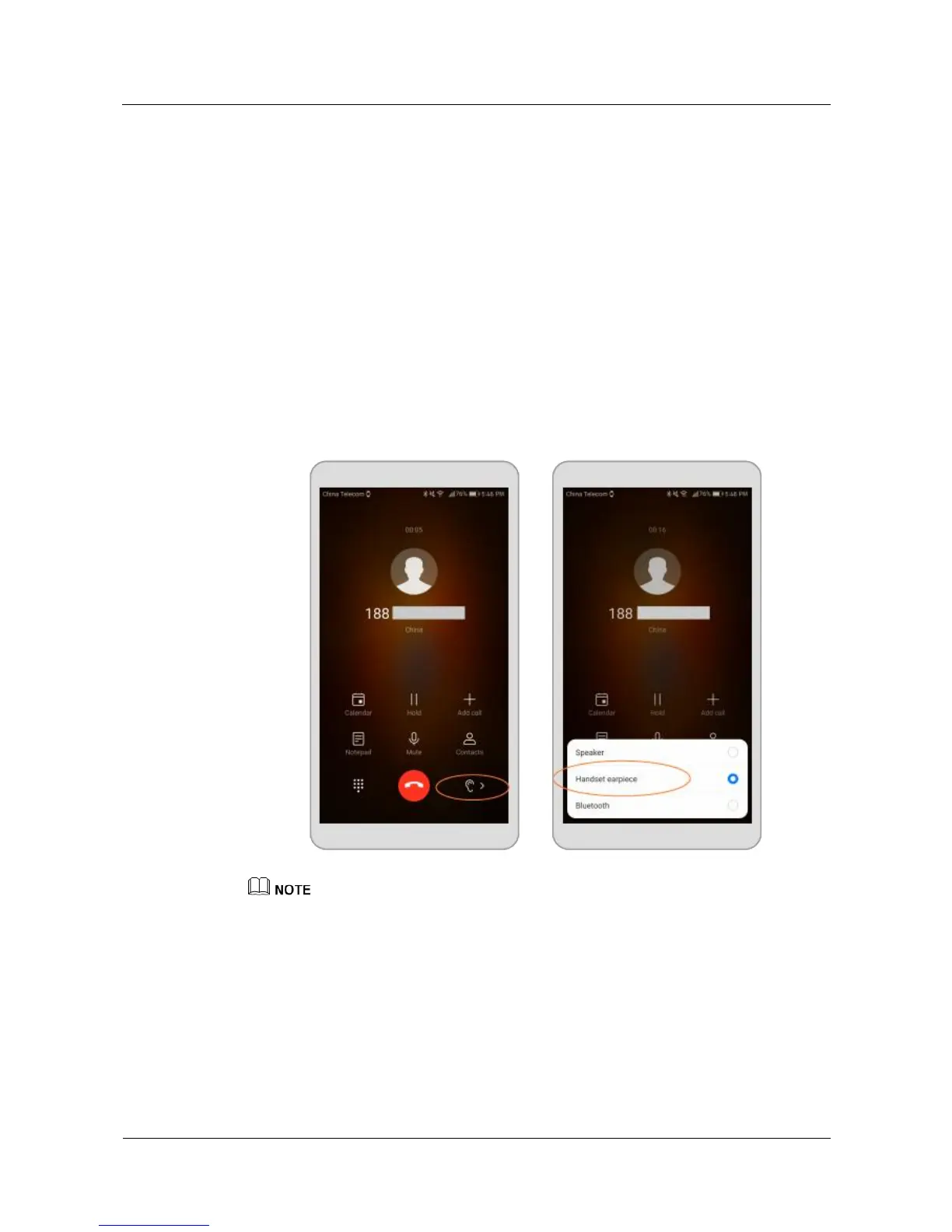
To switch between your watch and your phone during phone calls, perform the following
operations:
On the call screen of your phone, touch Bluetooth to use your watch for the call, or choose
Speak er or Headset earpiece to use your phone for the call.
'
z
If you do not enable the Bluetooth call function on your watch, even when you make and receive the
phone calls from your watch, the calls can only be done on your phone.
z
The call history is stored on your watch or phone depending on which device you use to make the
call.
5/:'K.YD&$*#+'*#S2,66'Q"6D4%'
During a phone call, swipe up on the call screen, and choose Volume in Call options to adjust
in-call volume.















 To Next Page