Huawei Proprietary and Confidential
Copyright © Huawei Technologies Co., Ltd.
O*%F*#+'$?%'P,$$%-E'6%Q%6'
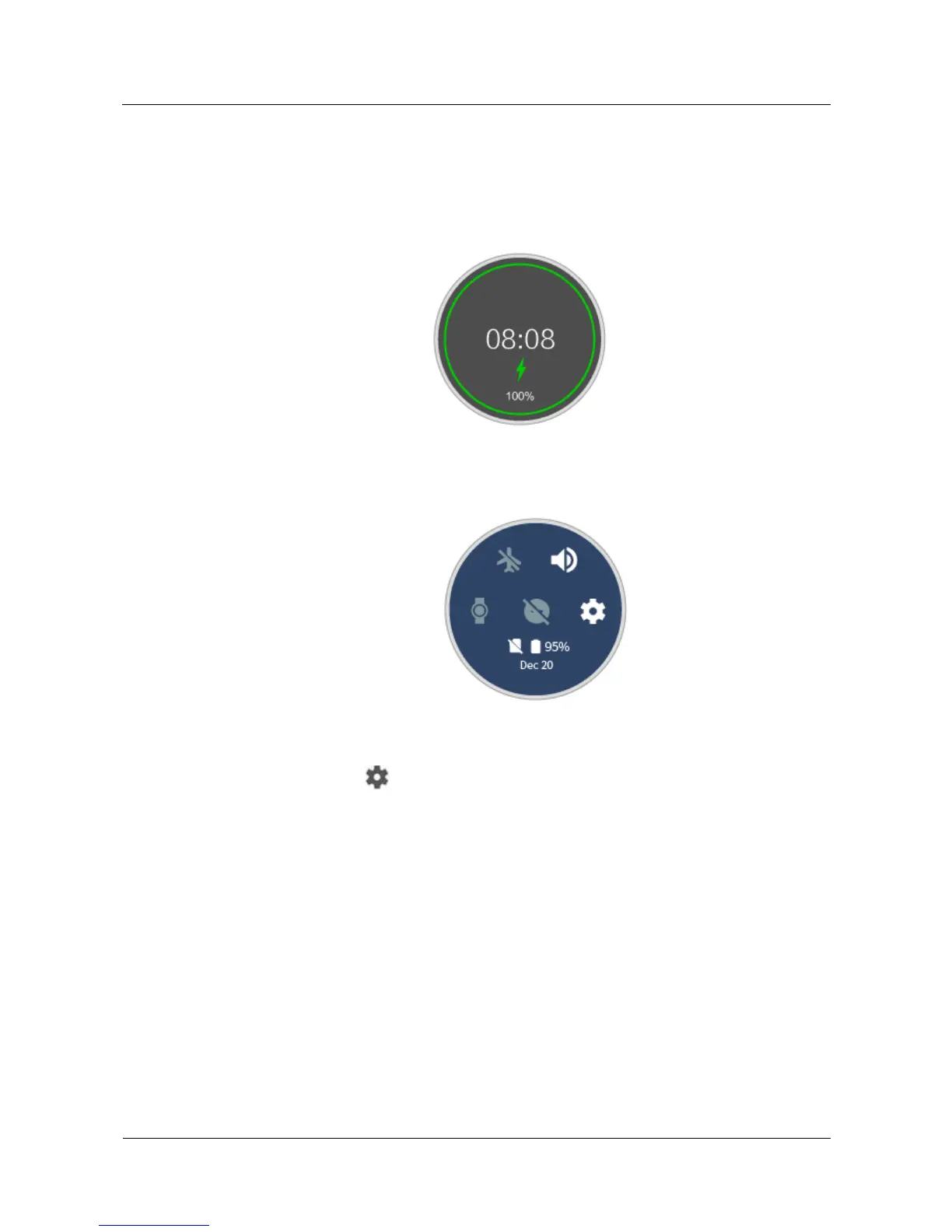
Use one of the following four methods to view the battery level:
Method 1: When your watch is charging, the battery level will be displayed on the charging
screen. Press the power button to exit the charging screen.
Method 2: Swipe from the top. You can view the battery level in the drop-down menu.
Method 3: View the battery percentage from Set tings > Syst em > About > Battery.
Method 4: Touch to access the settings screen in the Android Wear app, and touch
DEVICE SETTINGS > Watch battery to view the battery level and a detailed battery usage
report.
(/5'R"F%-S"#',#.'"33'
Power on: Press and hold the power button until HUAWEI is displayed on the watch face.
Power off: Press the power button, and choose Set tings > Syst em > Power off to power off
your watch.















 To Next Page