Huawei Proprietary and Confidential
Copyright © Huawei Technologies Co., Ltd.
:';<')""+6%'
5.1 Enabling Google Assistant
5.2 Common commands
:/('L#,P6*#+')""+6%'K&&*&$,#$'
You can use either of the methods below to interact with your watch using voice commands:
z
Say "OK Google" when the home screen is displayed. You can now issue voice
commands to interact with your watch.
z
Press and hold the power button to open the voice assistance screen, you can issue voice
commands to interact with your watch.
'
z
Keep your watch connected to your phone and make sure you have an available Internet connection.
z
Some languages may not be supported.
:/0'!"44"#'2"44,#.&'
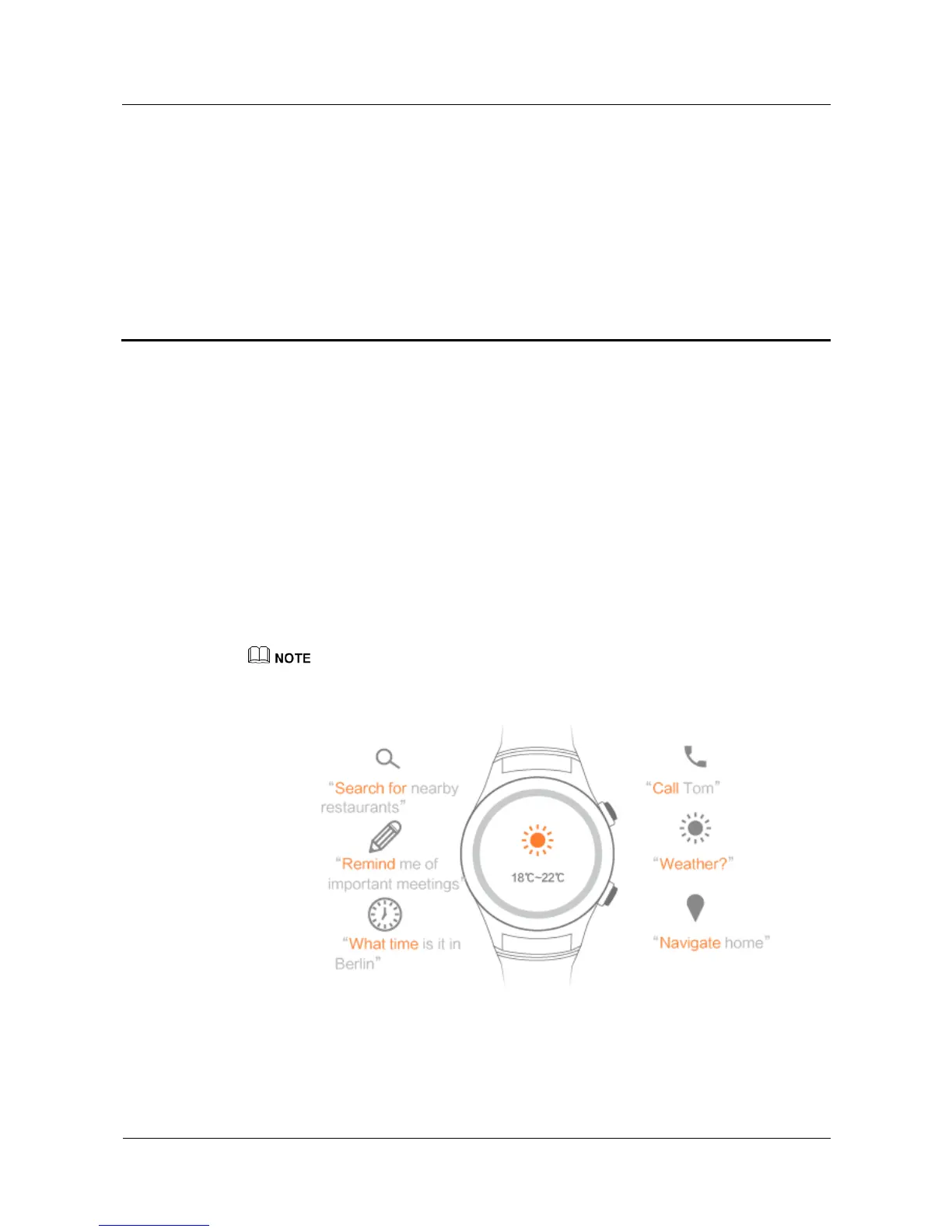
Google Commands include the following commands:















 To Next Page