16
Connect Smart Camera to your Android™ / iPhone®
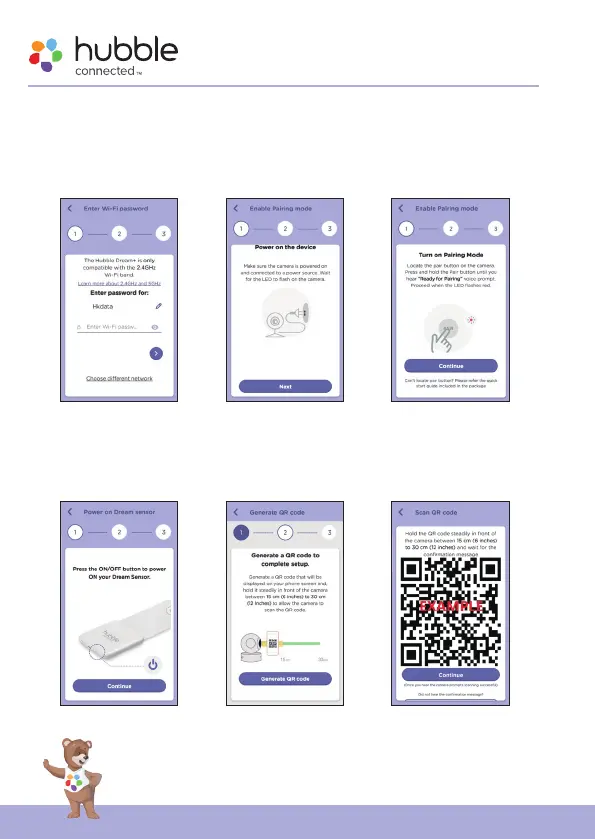
• The following setup instructions will appear on the screen, select your
Wi-Fi network and enter “Password” (fig.12).
• Power on your camera and wait for the LED to flash Red on the camera.
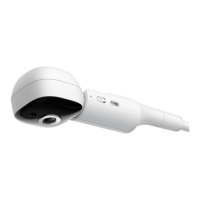
Press and hold the PAIR button on the side of Camera, you will hear a
voice prompt “Ready for Pairing” then tap Next (fig.13, fig.14).
g.12 g.13 g.14
• Press and hold the ON/OFF button to power On your Smart Sensor. (fig.15)
• Tap Generate QR code on your device and hold the QR code 15 to 30cm
in front of Camera until you hear confirmation message “Scanning Success”
from your device (fig.16, fig.17).
g.15 g.16 g.17



 To Next Page