13
Setting up
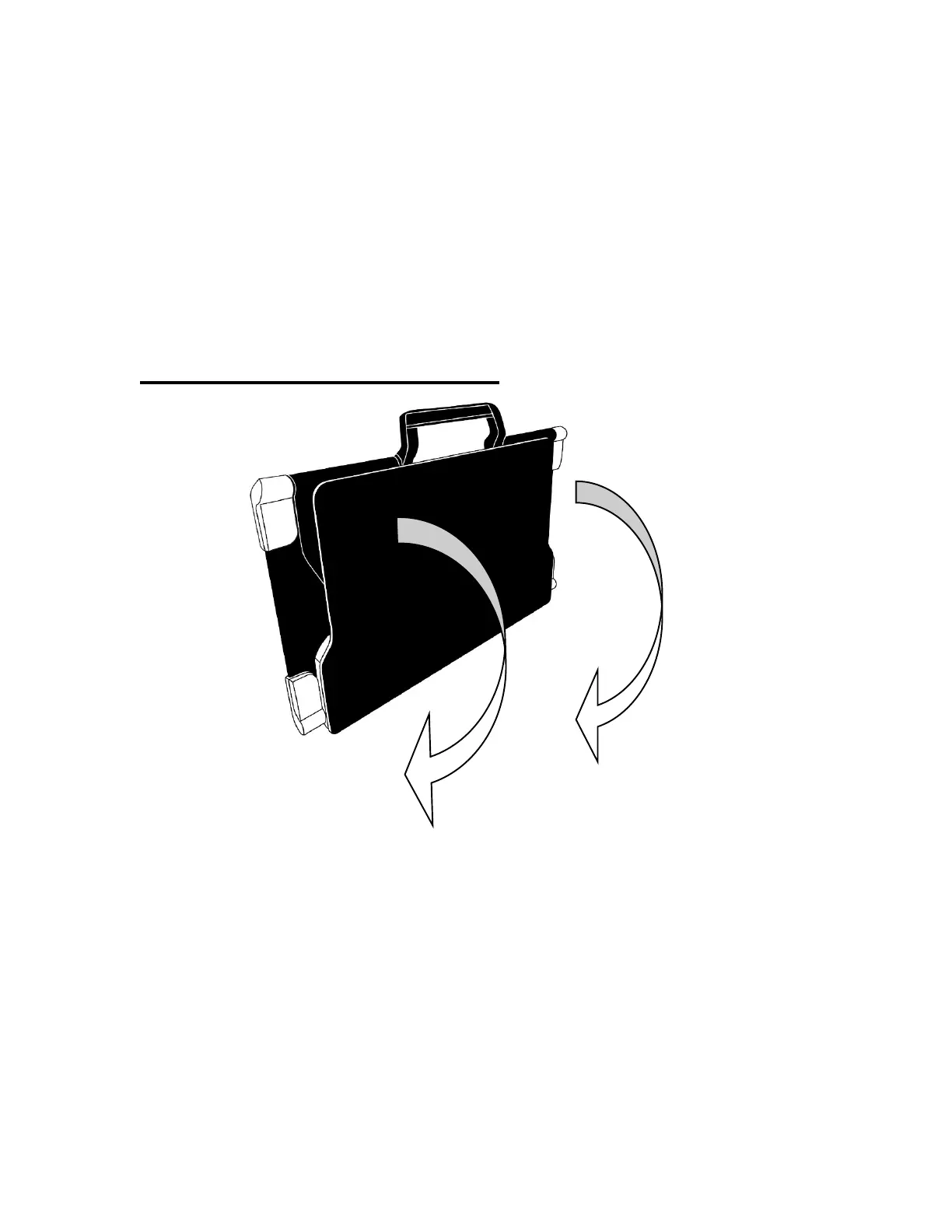
On a flat, stable surface (table, desk) hold the stand upright, making sure the
panel with the word “Connect” is facing toward the back. Hold the handle with
one hand and unfold the lower panel with your other hand until it lies flat on the
table.
Folding stand, closed position (image 11)



 To Next Page