24
MULTI-CAPTURE
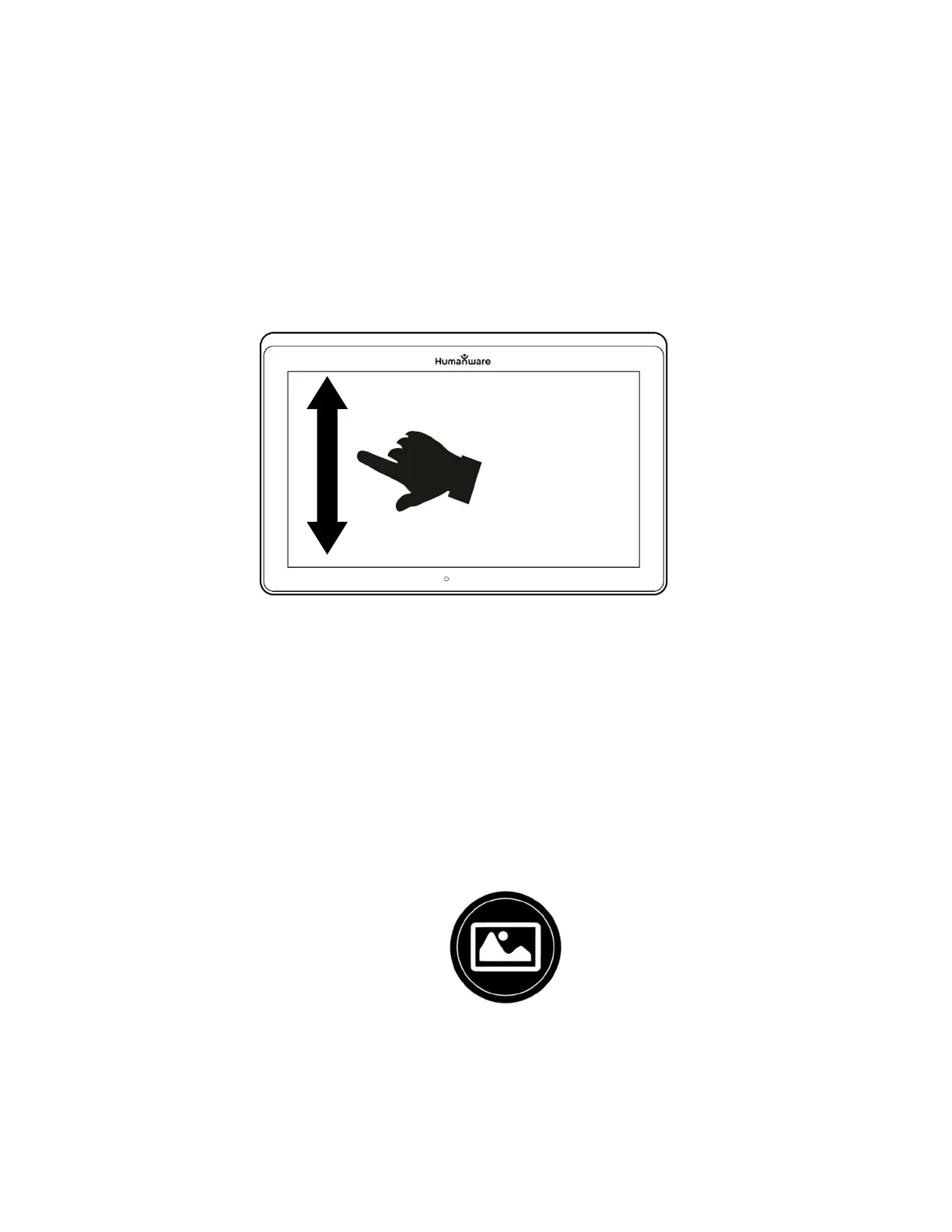
To capture a multipage document, toggle to Multi-Capture mode by swiping
vertically on the left side of the tablet’s screen:
Multi-Capture mode (image 19)
Note: You can also toggle to Multi-Capture mode from Settings. Tap the Settings
icon, deliberately swipe up to select Mode, and tap to set it to Multi-Capture. Tap
Back to exit Settings.
You can now capture a multipage document. Align the tablet above the first
page of the document that you wish to capture and tap the Capture icon or
press and hold your finger down on the screen. Proceed in the same way
for each page. Your multipage document will be saved in the Gallery.
Tap on the Gallery icon to view captures.
Tap on the first page of your document to open it.



 To Next Page