33
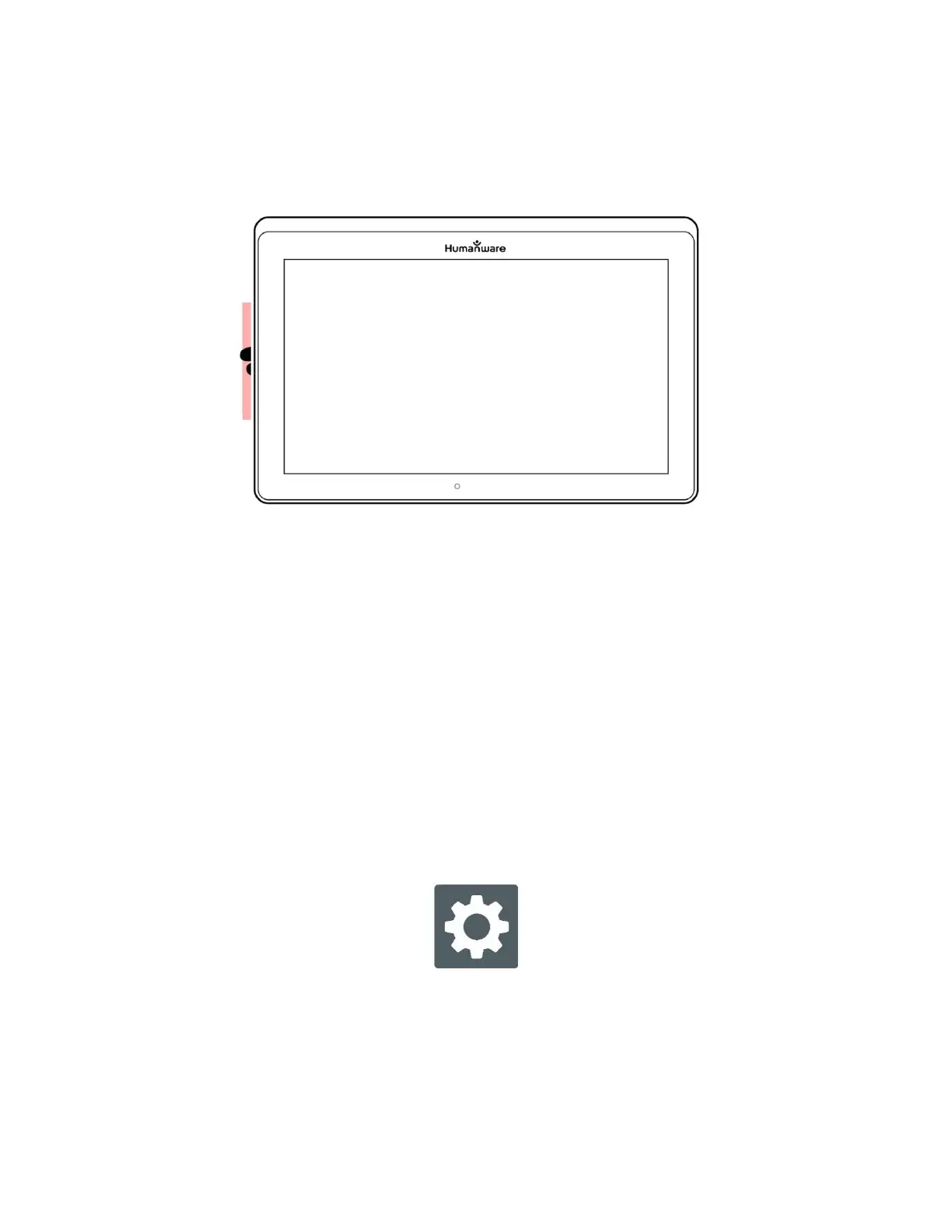
Rapid Toggle gesture (image 23)
You must swipe every time that you want to toggle. Rapid Toggle will toggle
to the next app using the same order in which you selected them.
The Rapid Toggle can be used from any application.
ACTIVATING THE BLUE LIGHT FILTER
Blue light is known to reduce the production of melatonin (a sleep-inducing
hormone), so filtering it is a useful way to prevent insomnia.
Prodigi is equipped with an intelligent blue light filter that allows you to reduce the
amount of blue light displayed on screen.
From the Carousel Menu, select Settings icon.
In the Settings menu, tap User Interface.
Tap Blue Light Filter.
Tap one of the five filter levels: Off, Low, Medium, High and Max.



 To Next Page