41
If you wish to remove an application from the Quick access menu, press
and hold on the application icon, then tap Delete.
If you wish to move or delete the application, press and hold the application,
then select Switch or Delete.
USING THE CALCULATOR
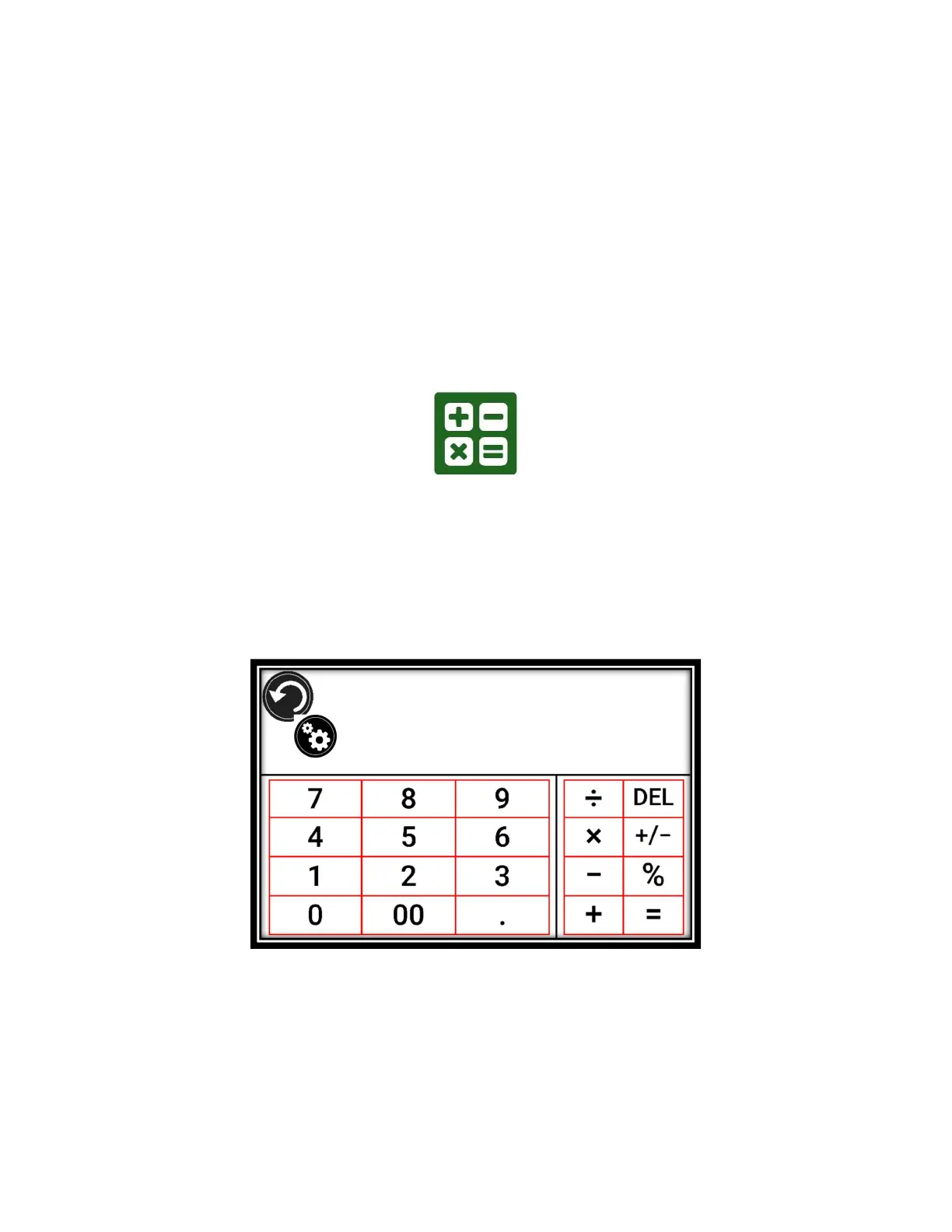
Prodigi software features a Calculator application.
Select and tap on the Calculator icon in the Carousel or the Tile menu.
Tap the numbers and signs. Your calculation will appear at the top, right of
the screen.
Tap DEL to make corrections (one digit at a time).
Tap CLR to clear the total.
By default, the Calculator is set to standard mode. Tap Settings, then Mode and
select from Standard, Scientific or Graphing calculator mode. Tap the Back icon
twice to return to the Calculator.



 To Next Page