21
Move the object or document under your tablet to localize text or visual
features.
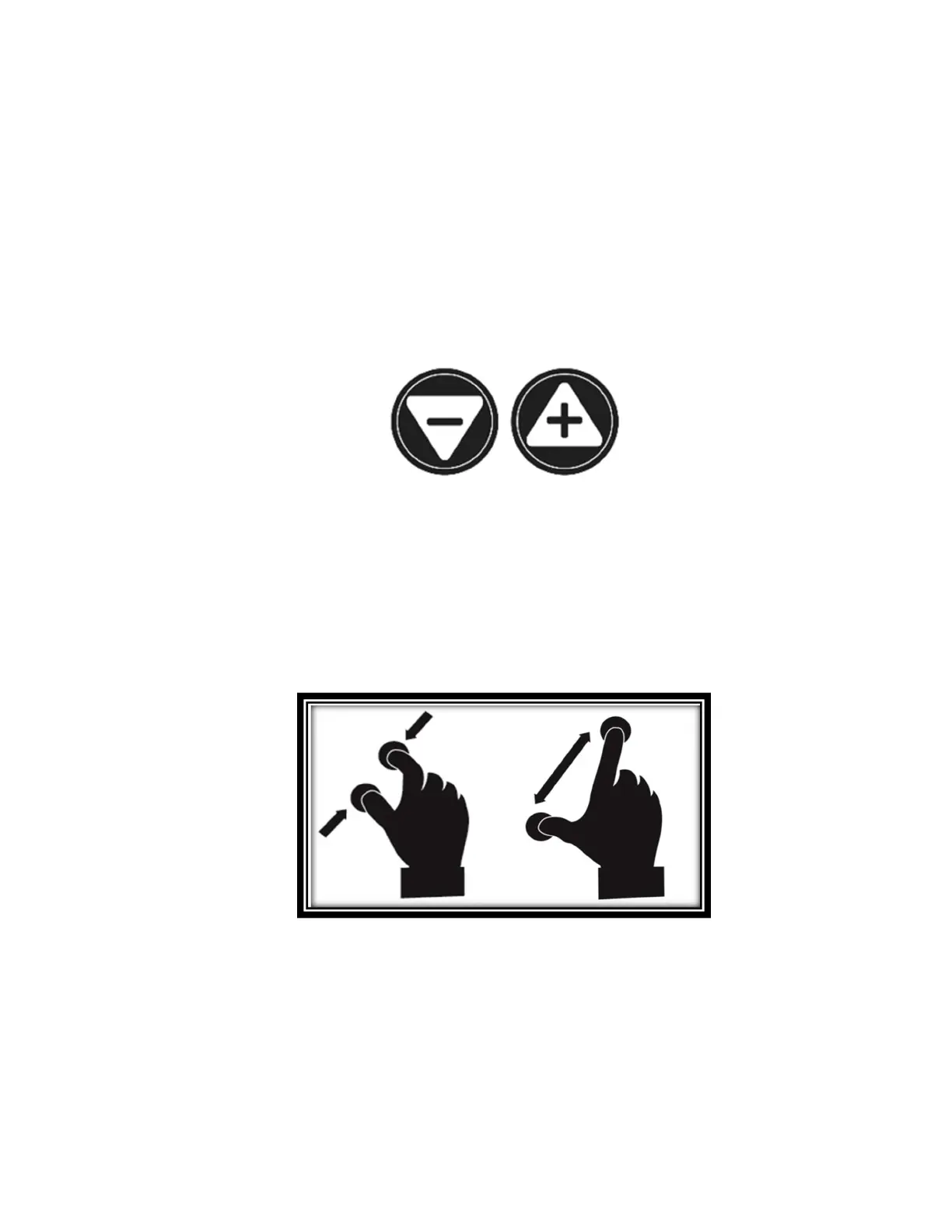
Tap the Zoom In or Zoom Out icons to adjust zoom level. The Zoom In icon
(+) increases image/character size, the Zoom Out icon (-) decreases
image/character size. You can also tap and hold the icons to progressively
and incrementally adjust the zoom levels. Release once you reach the
desired zoom level.
In addition to the Zoom In/Out icons, you can employ the pinch and zoom
gesture to adjust the zoom level. Decrease the distance between 2 fingers
to zoom out, and increase the distance to zoom in.
Pinch and Zoom gesture (image 18)
AUTOFOCUS
Prodigi software allows you lock or unlock autofocus. This is useful when a
document is correctly focused and you need to lock its position, or when you are



 To Next Page