37
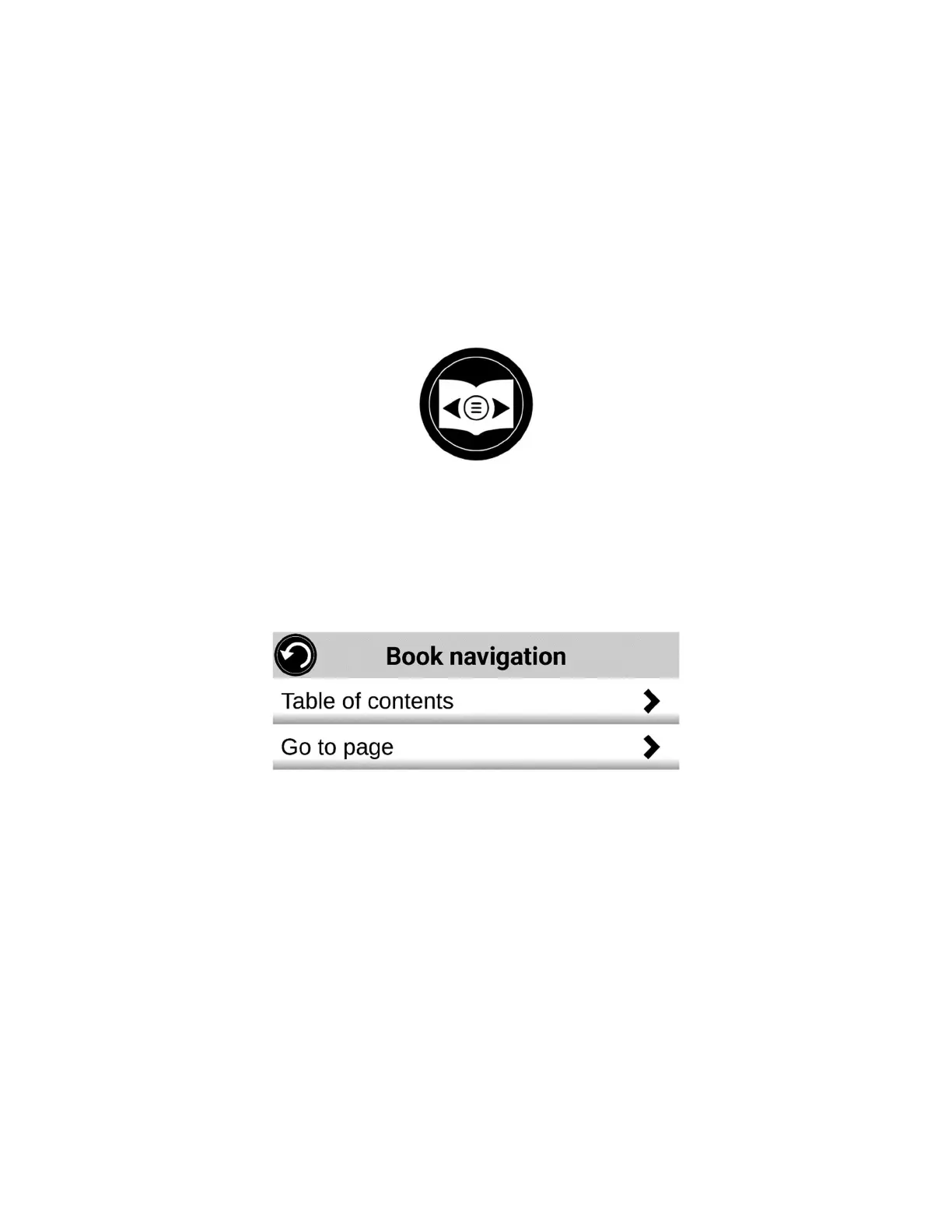
When a book is open, tap the Navigation button and select Table of
Contents.
Tap on the section or chapter that you wish to access.
Go to Page Navigation
Tap the Books Navigation icon. A menu will open.
Tap Go to Page. A text field will appear.
Enter the number or the name of the page that you wish to access and
tap the check-mark key on the keyboard. Prodigi will access the book at
the selected page.
Page list navigation
Tap the Books Navigation icon. A menu will open.
Tap Pages List.
Select the page you wish to access from the list. Prodigi will access the
book at the selected page.



 To Next Page